Step 01
Upload the Image You Want to Change
Drag in a JPG, PNG, or WebP file, or paste a screenshot straight from your clipboard. Nothing needs to be installed, because the whole workflow runs in your browser.

 BeforeAfter
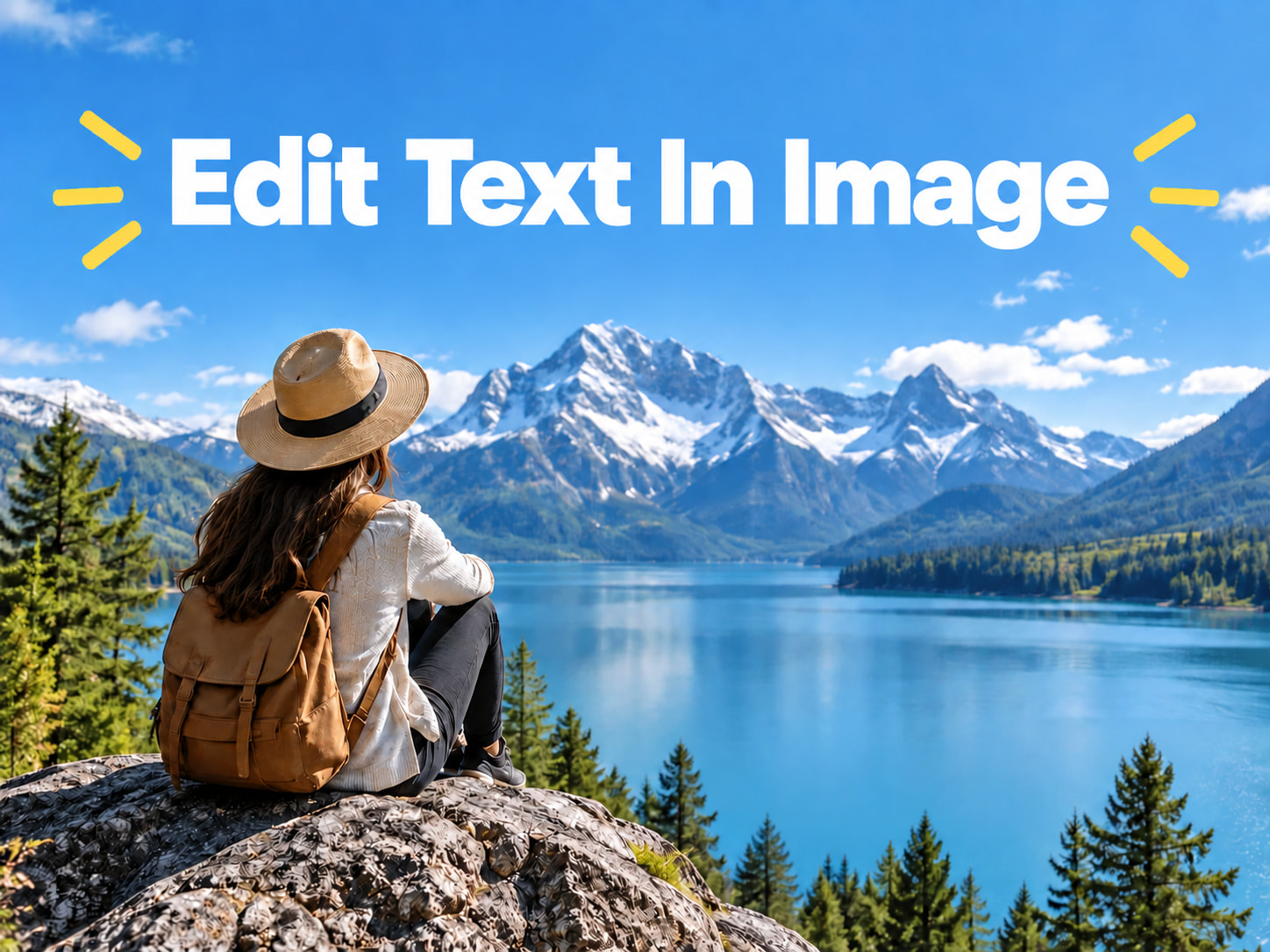
You have the finished image, but not the design file. Pictext is an AI image text editor built for exactly that situation. Upload a photo, screenshot, poster, or product shot, and change the words inside it in a few clicks while the rest of the picture stays where it is. No layers to manage, no source file to hunt down.
Start Editing Free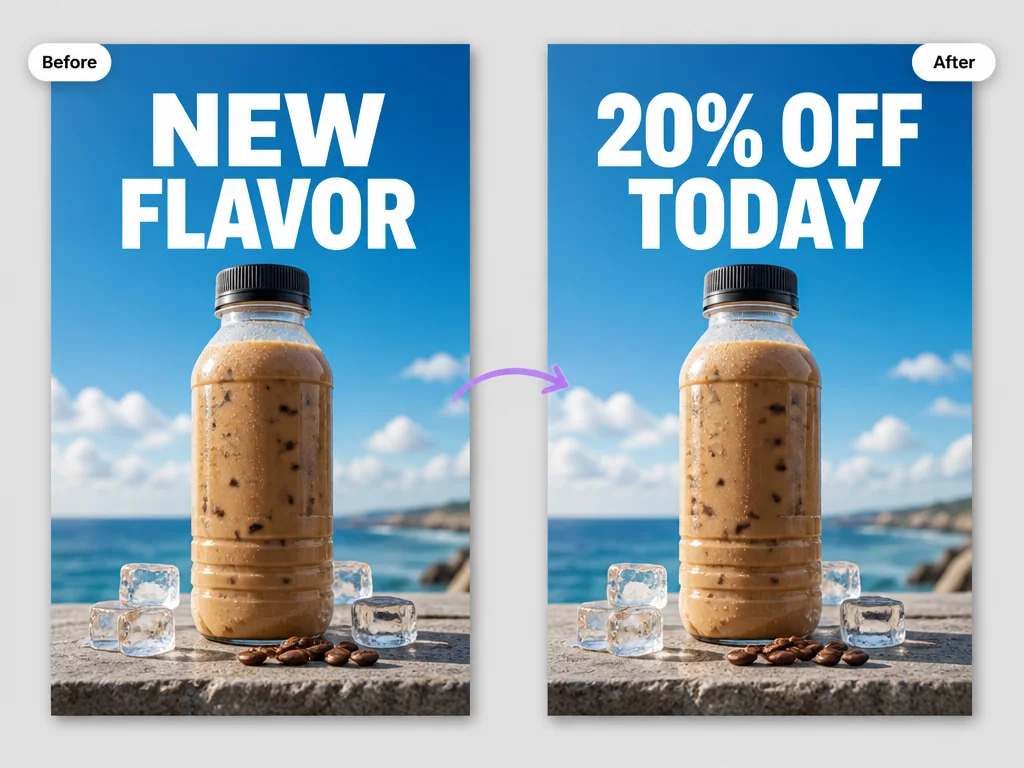
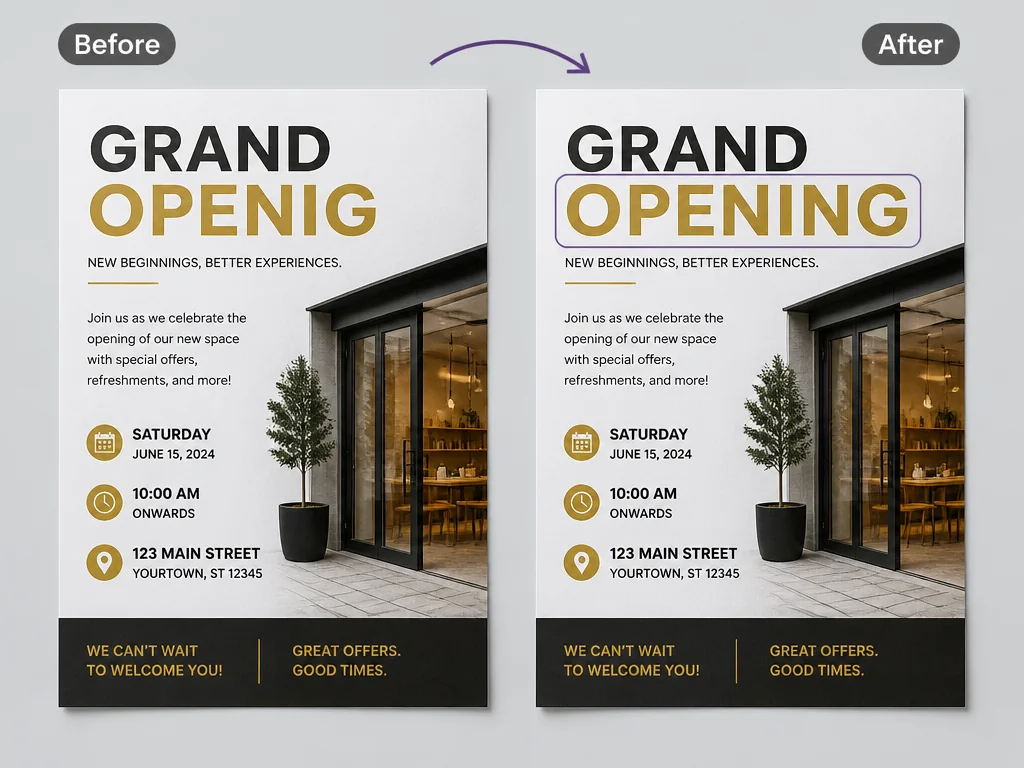
Prices go up, dates move, and old wording stops being true. Pictext changes the words that are already in a finished image, whether they sit on a price tag, a poster headline, or a product label. You keep the same picture, and only the wording changes. If you need to clear words instead of replacing them, use Pictext to remove text from an image.
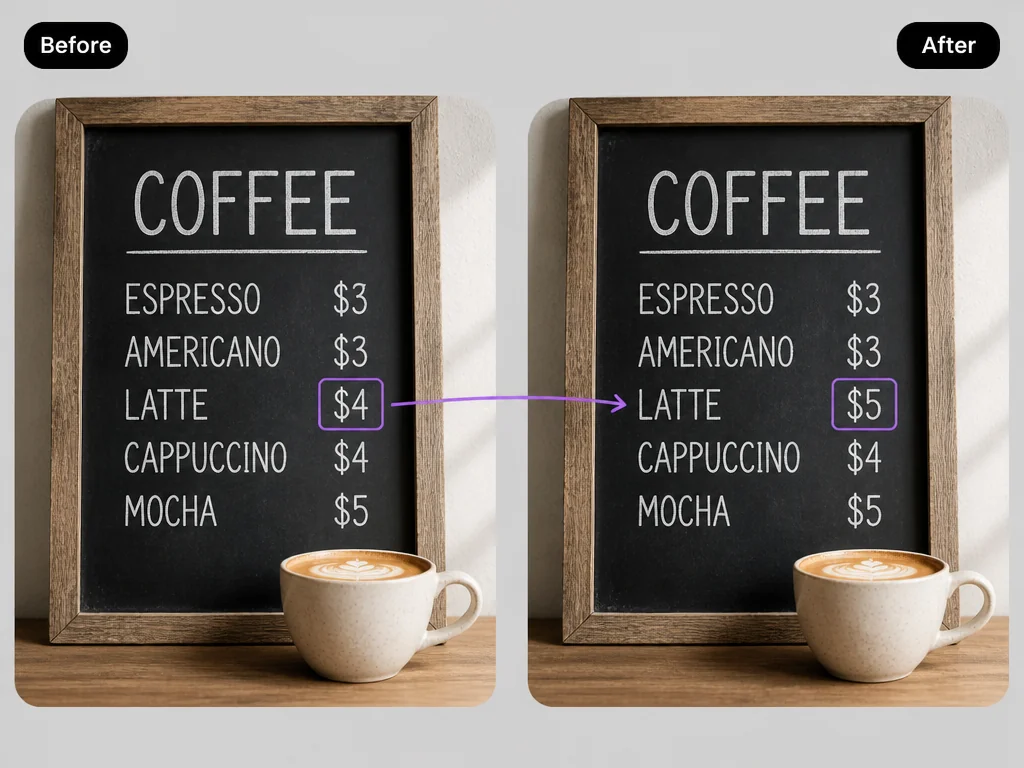
There is no manual retouching involved. Pictext finds the text in your image, you point at the words you want replaced and type the new wording, and the AI rebuilds that area so the change looks like it was always there. A change that used to need the original design file now takes a few seconds.
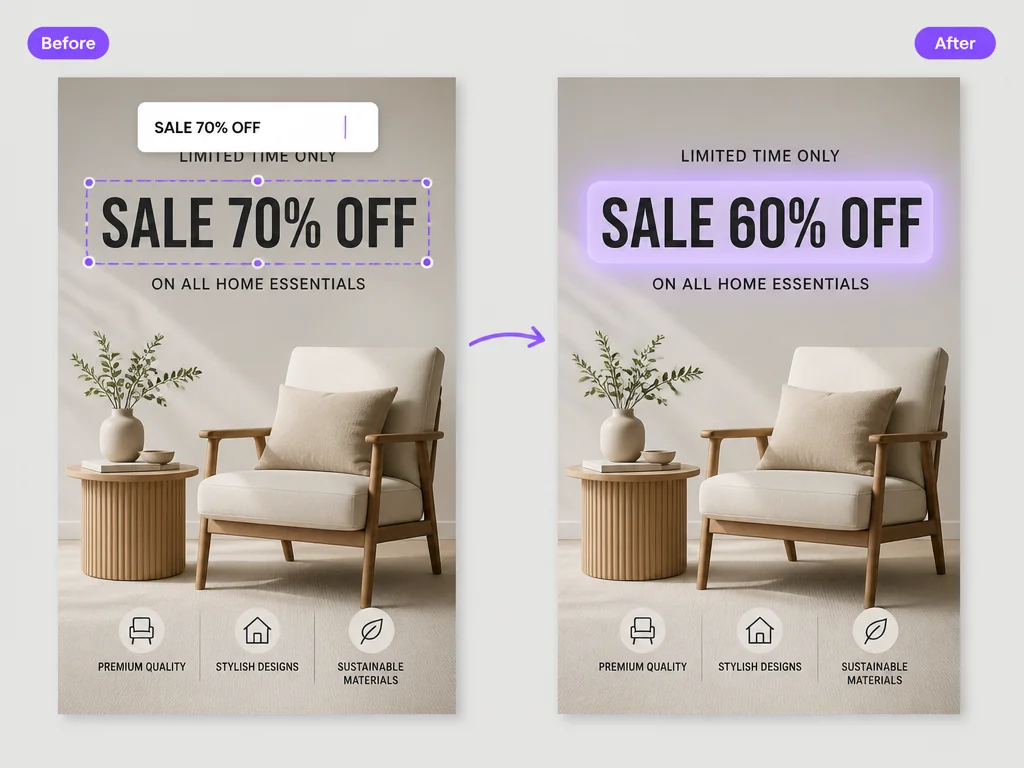
The replacement text follows the look and placement of the original and blends with the background around it, so the picture still reads as one piece instead of something pasted on top. Results depend on the image itself, and clean, high-resolution pictures work best.
Drag in a JPG, PNG, or WebP file, or paste a screenshot straight from your clipboard. Nothing needs to be installed, because the whole workflow runs in your browser.
Pictext highlights the text areas it can read. Click the words you want to replace and type the new wording. The AI rebuilds that part of the image for you, so there is nothing to adjust by hand.
Preview the result, then download the updated file to your device and use it in your campaign, document, or post right away.
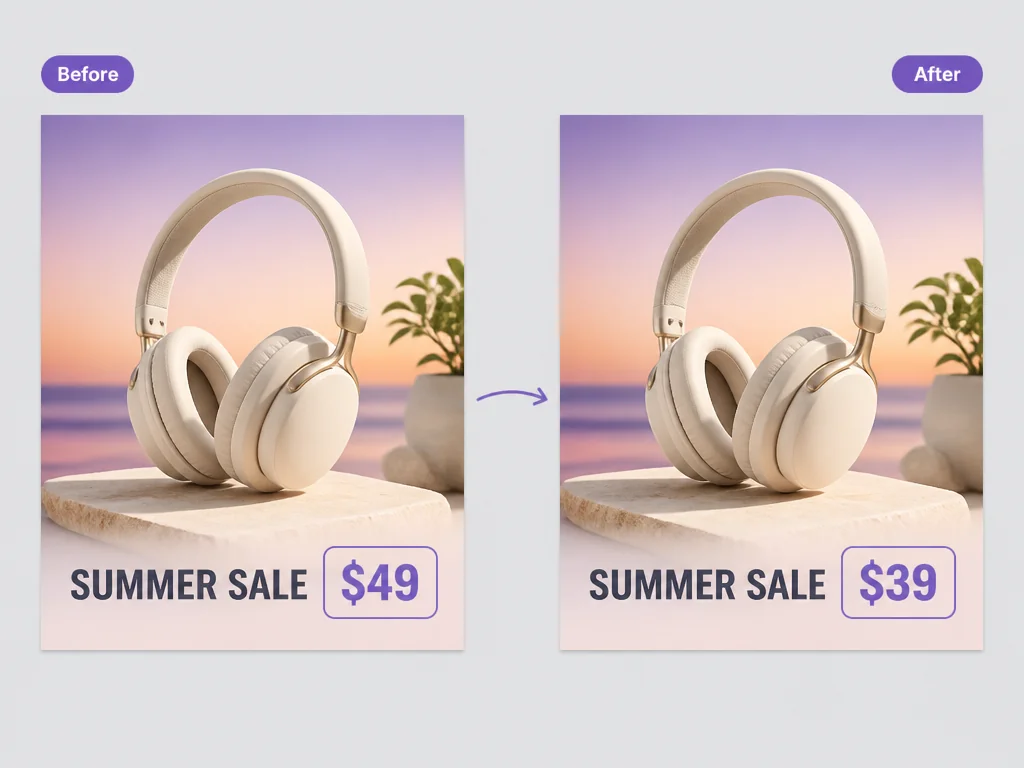
Prices change, dates move, and promotions end. Instead of asking a designer to rebuild a banner, open the image in Pictext, edit text in image areas such as the price tag and the call to action, and publish the new version the same day.
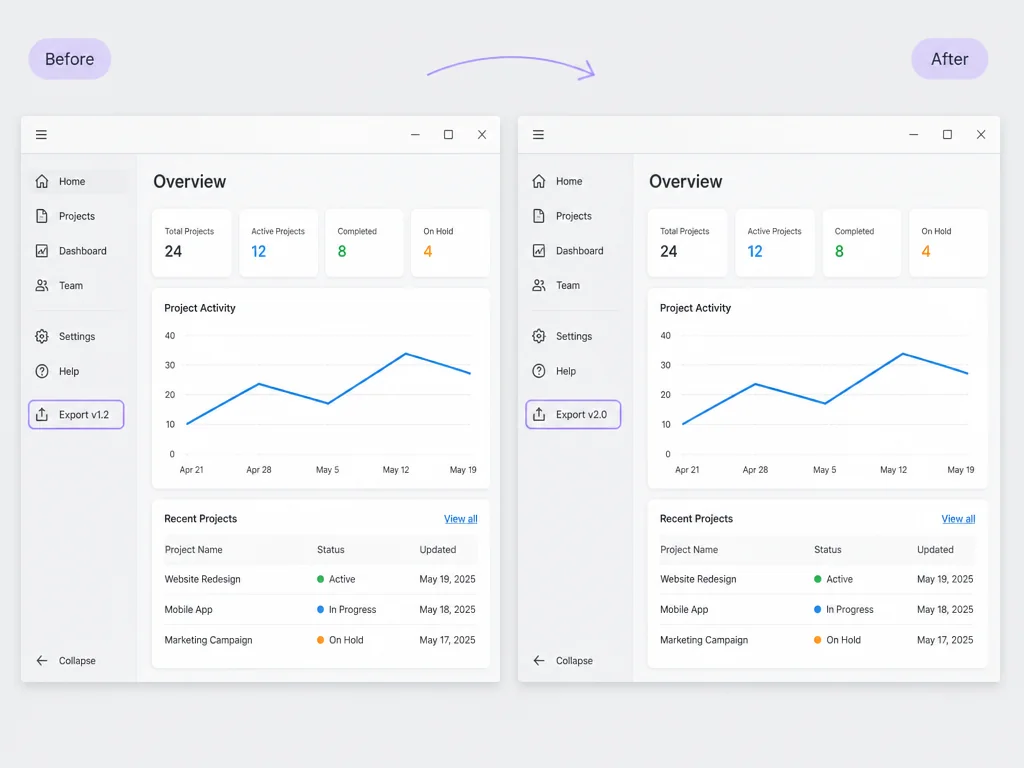
Software screenshots age quickly. When a menu name, a version number, or a button label changes, edit text in image files directly instead of retaking every screenshot by hand.
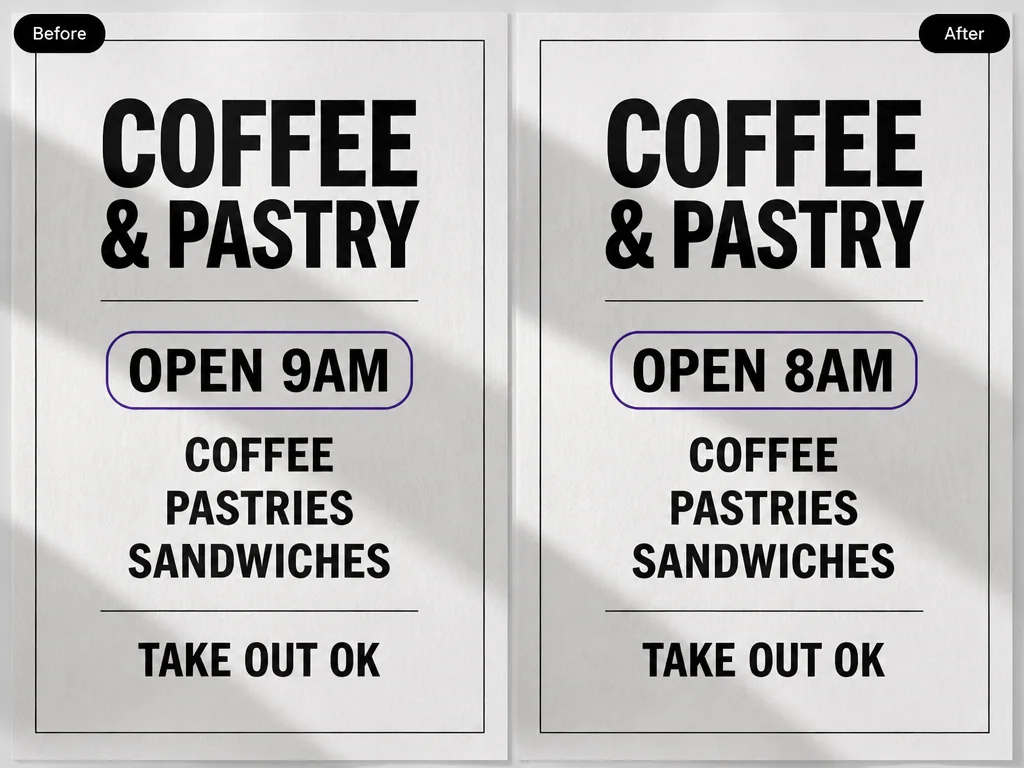
A typo slips through, a name is spelled wrong, or a detail changed after the design was approved. Instead of pulling the whole image and building it again, use the online image text editor to correct those words and republish the fixed version.
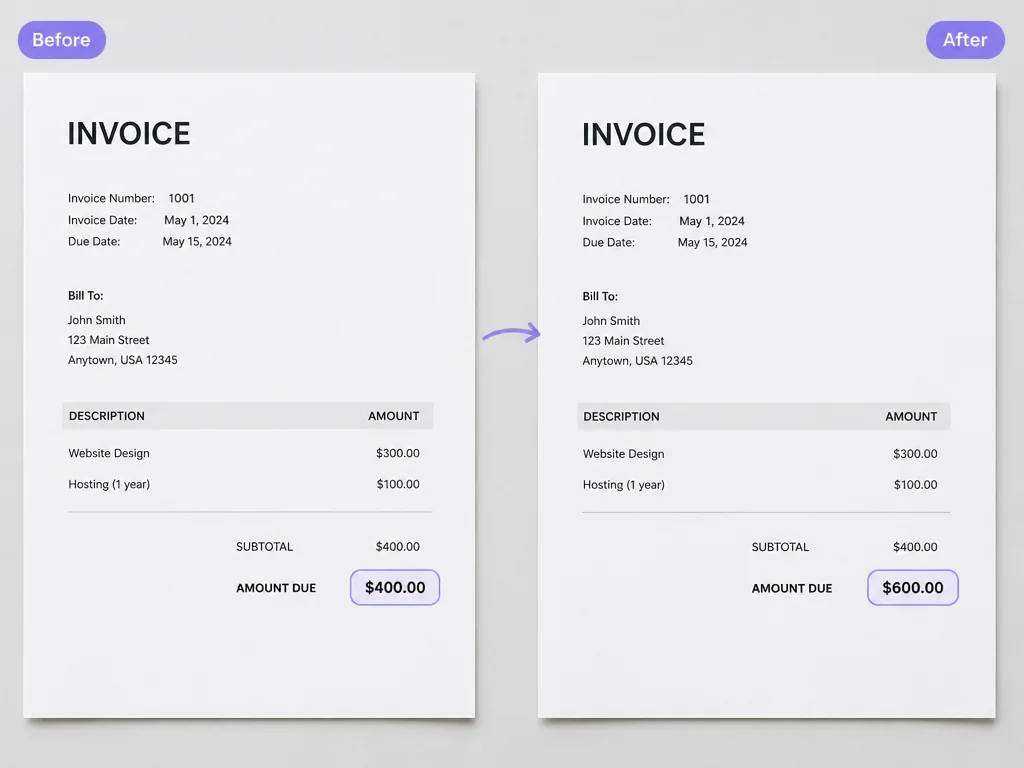
An invoice, a receipt, or a scanned form often needs just one detail corrected, such as a date, an amount, or a name. Open the file as an image and edit the text in it directly, so the rest of the document stays exactly as it was.
Start without a subscription. Pictext gives you a free daily allowance of credits that resets every day, so you can try the workflow before you commit to anything.
There is nothing to install or update. Open Pictext on a laptop, a tablet, or a phone and edit text in image files from wherever you happen to be.
Pictext ships in eight interface languages, so you can work in the one you are most comfortable with.
Pictext is not a general photo suite. It focuses on the text inside your images, so the workflow stays short and the interface stays simple.
If you can type, you can use Pictext. There are no layers, no masks, and no timeline to learn before you make your first change.
Pictext processes the image you upload in order to complete the edit you asked for. Your file is not used for any other purpose.