
Step 01
Upload a Supported Image
Choose a JPG, PNG, or WebP file up to 10MB; no installation or sign-in is needed.

 BeforeAfter
Upload a JPG, PNG, or WebP file and translate its text without retyping. Pictext detects the source language automatically, lets you choose from eight target languages, and creates a translated image you can compare and download. Try it with free daily credits and no account.
Translate an Image Free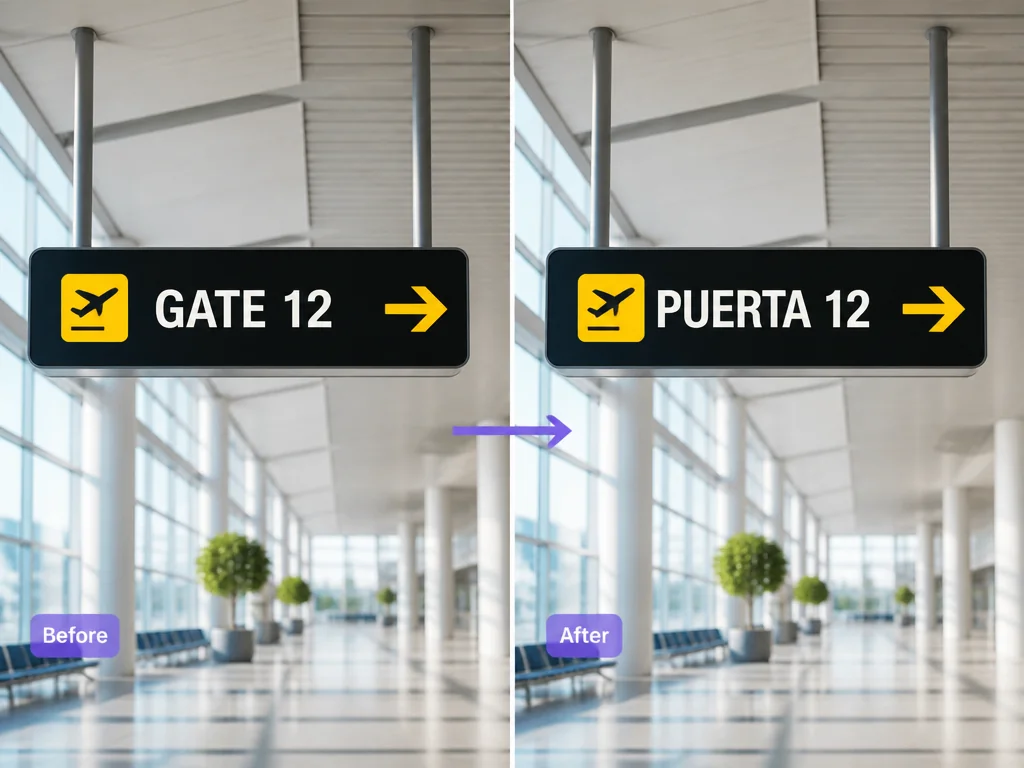
Upload an image and let Pictext detect its source language; choose from eight target languages and review the translated image in your browser.
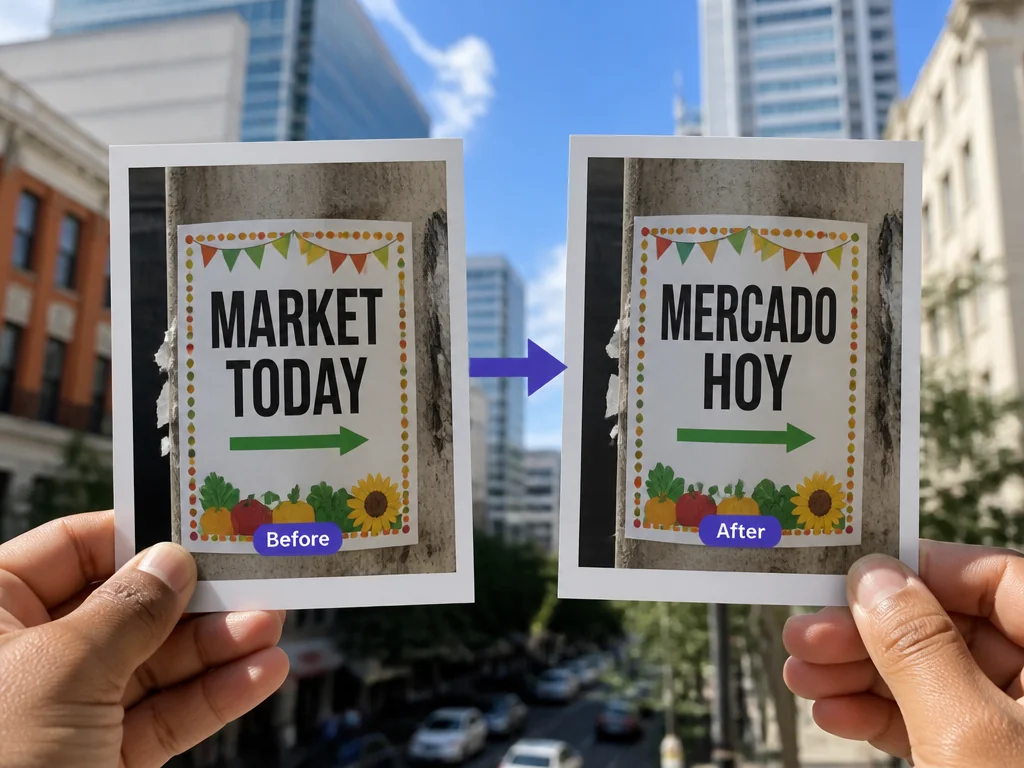
Compare the original and generated image before downloading; check names, dates, prices, and details, using clear text and a simple background when possible.
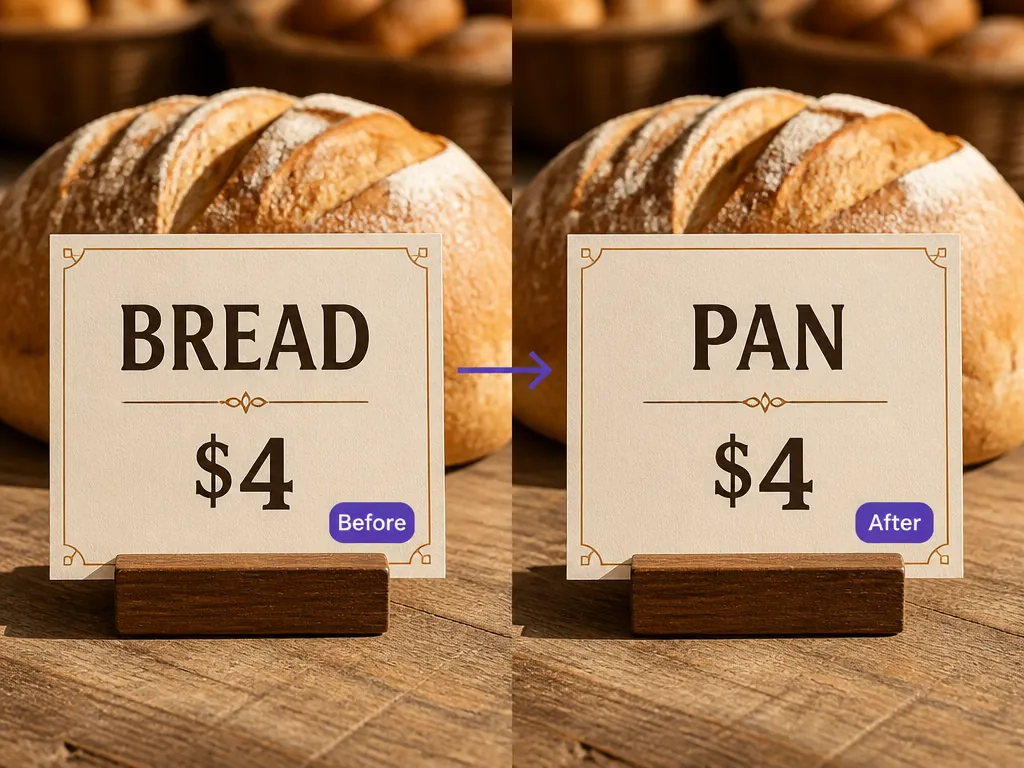
Basic handles straightforward images quickly for 5 credits; Upgraded offers stronger, more consistent processing for demanding layouts at 10 credits. Costs appear before you start.
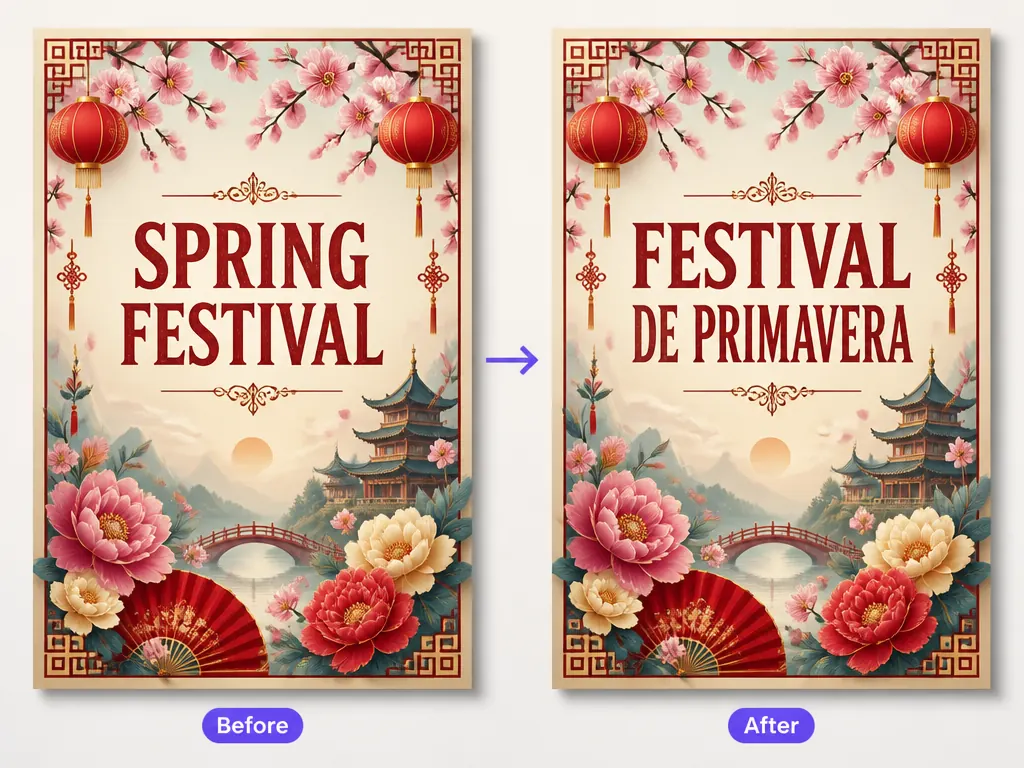
Choose a JPG, PNG, or WebP file up to 10MB; no installation or sign-in is needed.
Pictext detects the source automatically; choose one of eight target languages.
Choose Basic for 5 credits or Upgraded for 10, translate, compare, and download the result.
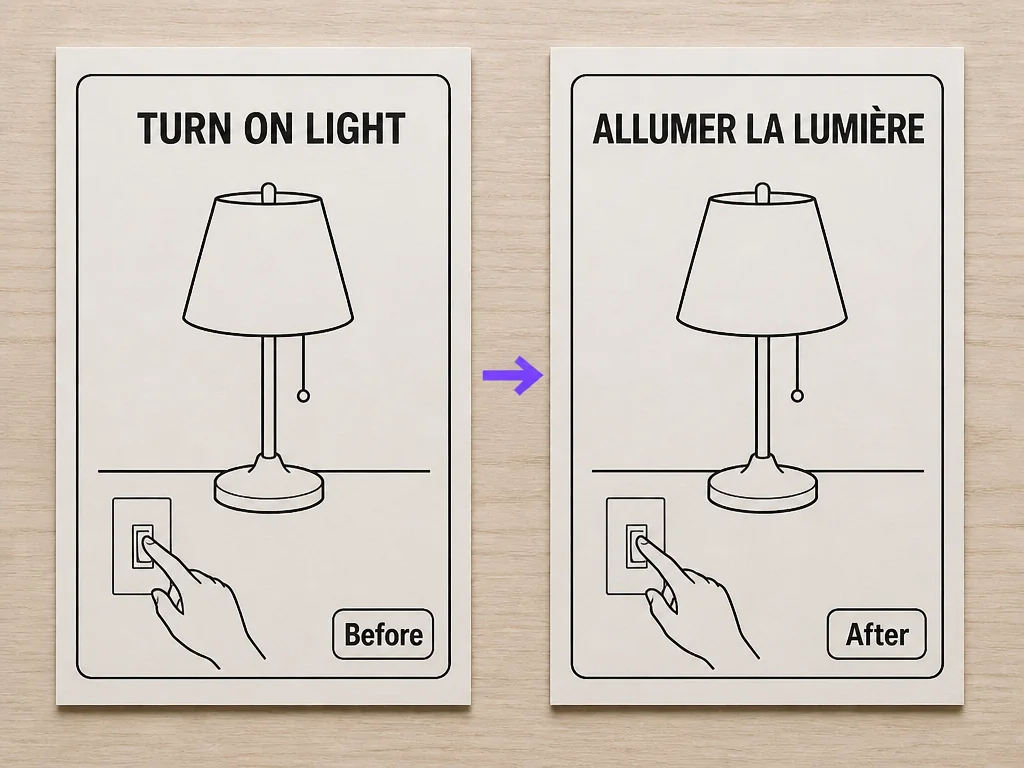
Translate menus, signs, notices, or care labels you cannot type; a clear photo keeps useful visual context.
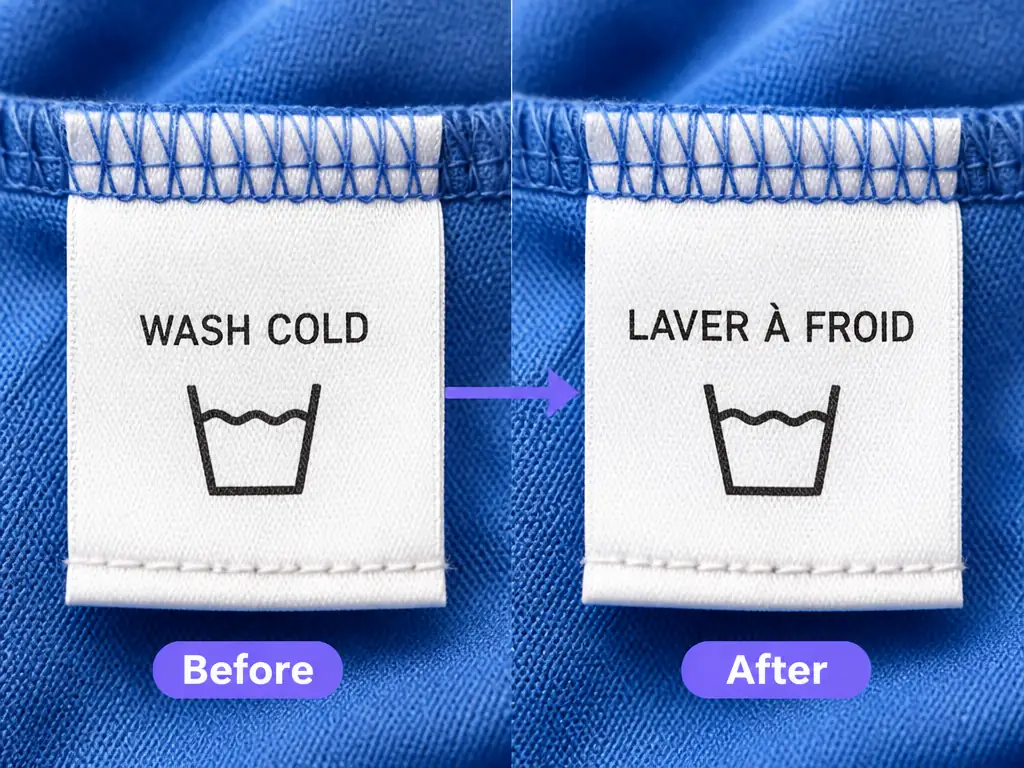
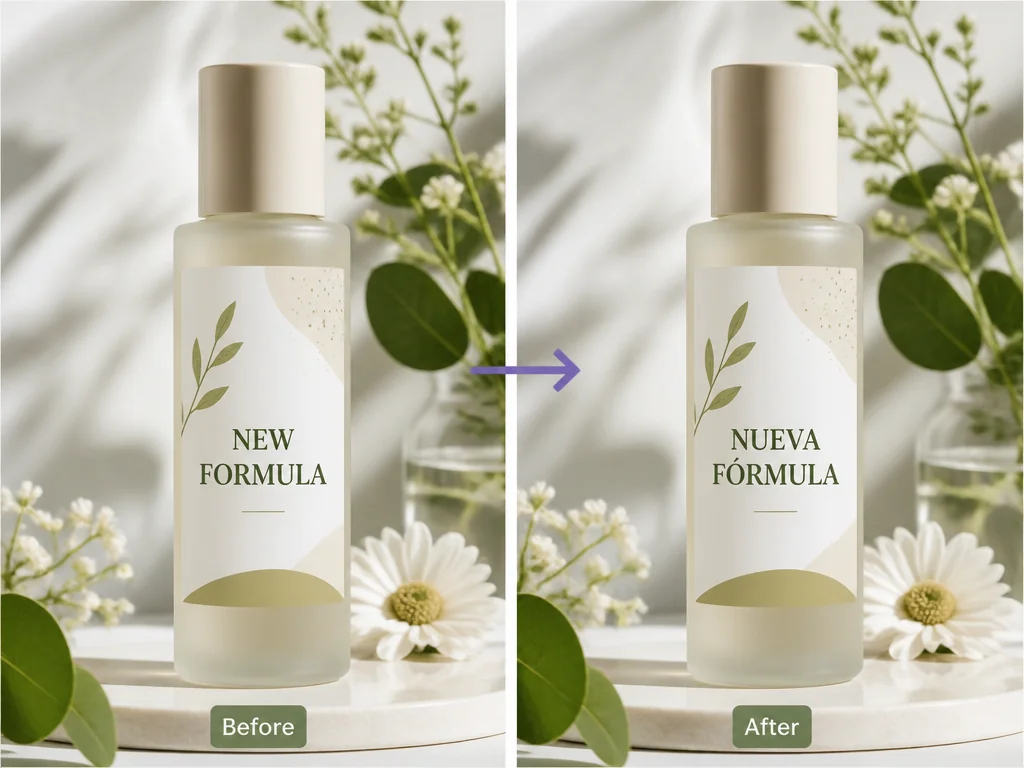
Localize a product graphic, promotion, or label; for other wording changes, use the AI image text editor.
Translate a chat, tutorial image, or software notice without copying every line. For same-language corrections, use the screenshot editor; to clear wording, try remove text from image.
Daily credits reset automatically; Basic uses 5 and Upgraded uses 10 per translation.
Choose an image and begin without an account or registration form.
Basic favors speed; Upgraded offers stronger, more consistent processing.
Compare the result with the original before downloading to catch important errors.
Upload JPG, PNG, or WebP files up to 10MB from any browser.
Results enter history and expire after 24 hours; download images you need.