Step 01
Upload One Image
Choose a JPG, PNG, or WebP file up to 10 MB. A sharp image with readable, well-lit text usually gives the recognition process a clearer source to work from.
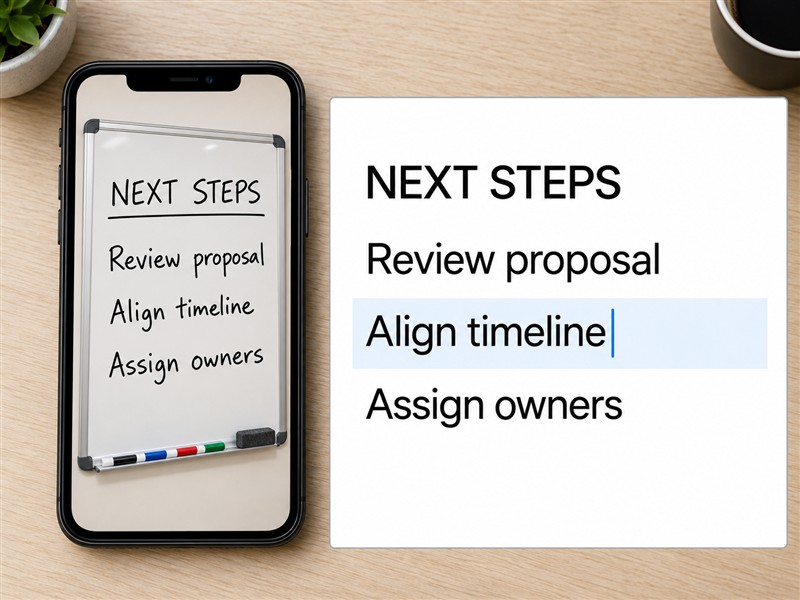
Turn a photo, scan, or screenshot into text you can edit and reuse. Upload one JPG, PNG, or WebP image up to 10 MB, then copy or download the result. Each extraction uses 1 credit and free credits reset daily. No sign-up is required.
Extract Text Now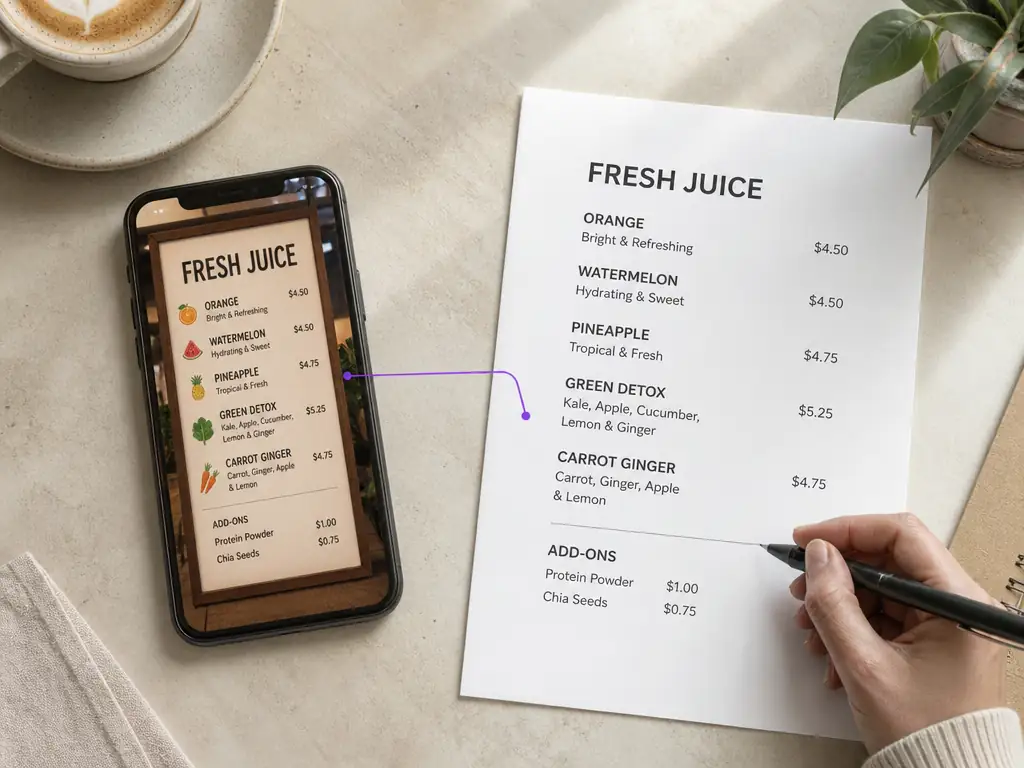
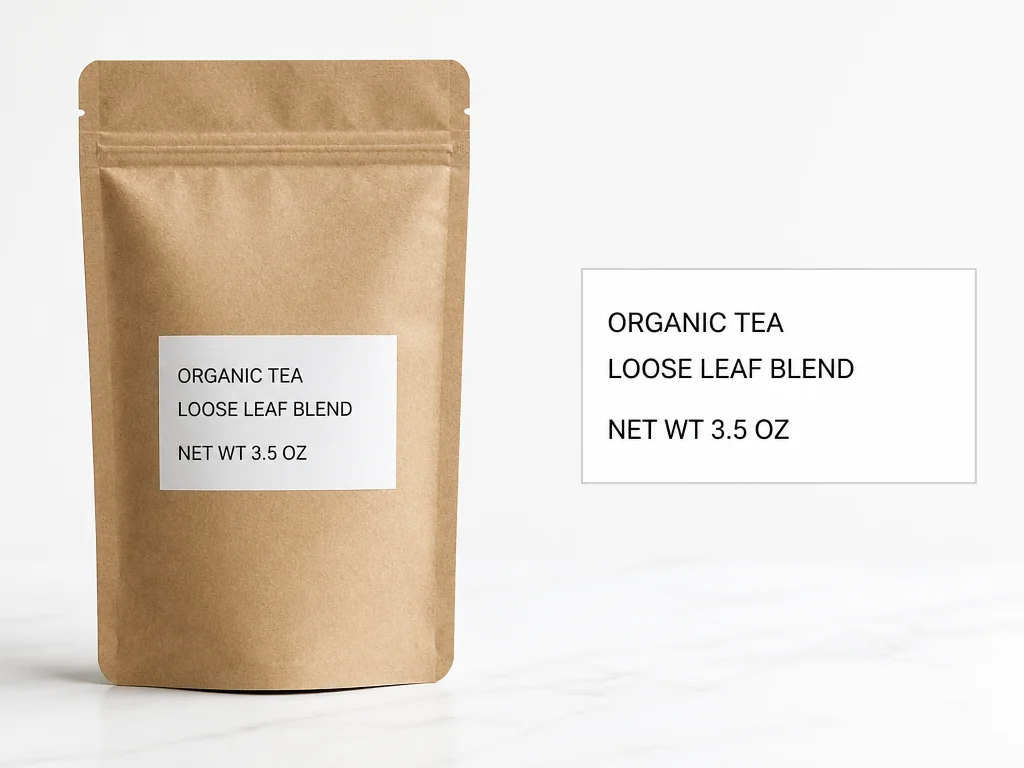
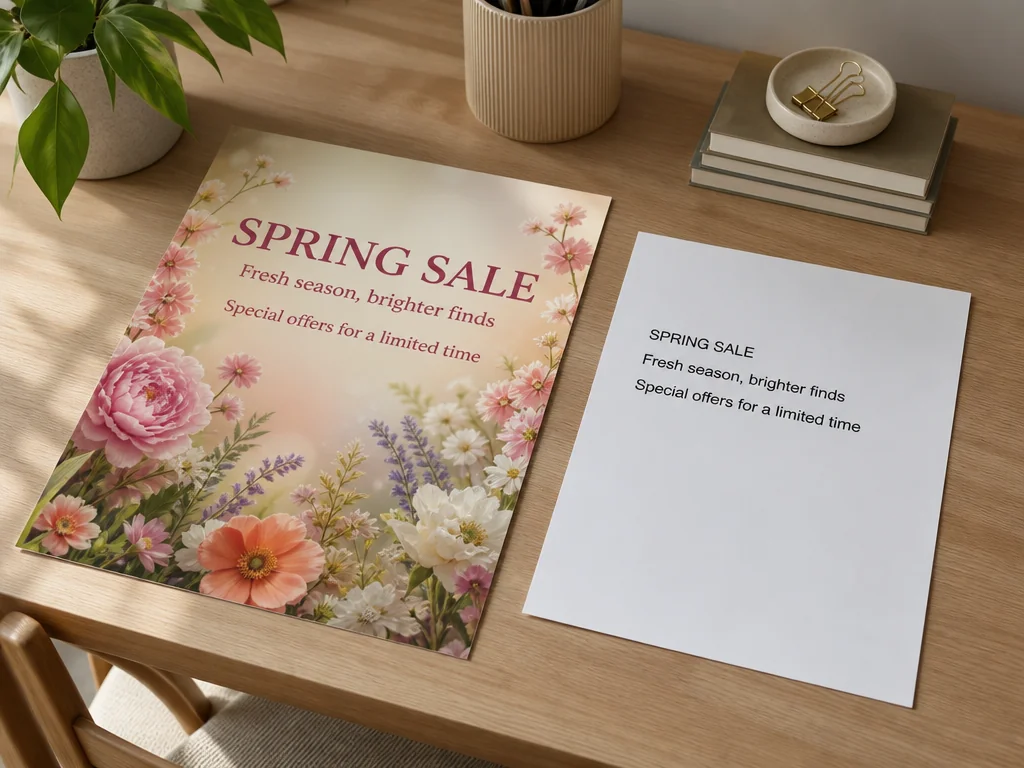
Convert words in photos, screenshots, posters, menus, and scanned notes into an editable result. Pictext keeps the task focused: add one image, run recognition, and work with the extracted text instead of typing it again by hand.
Once recognition is complete, copy the extracted text straight to your clipboard for messages, documents, notes, or research. If you prefer a file, download the same result as a TXT document for later use.
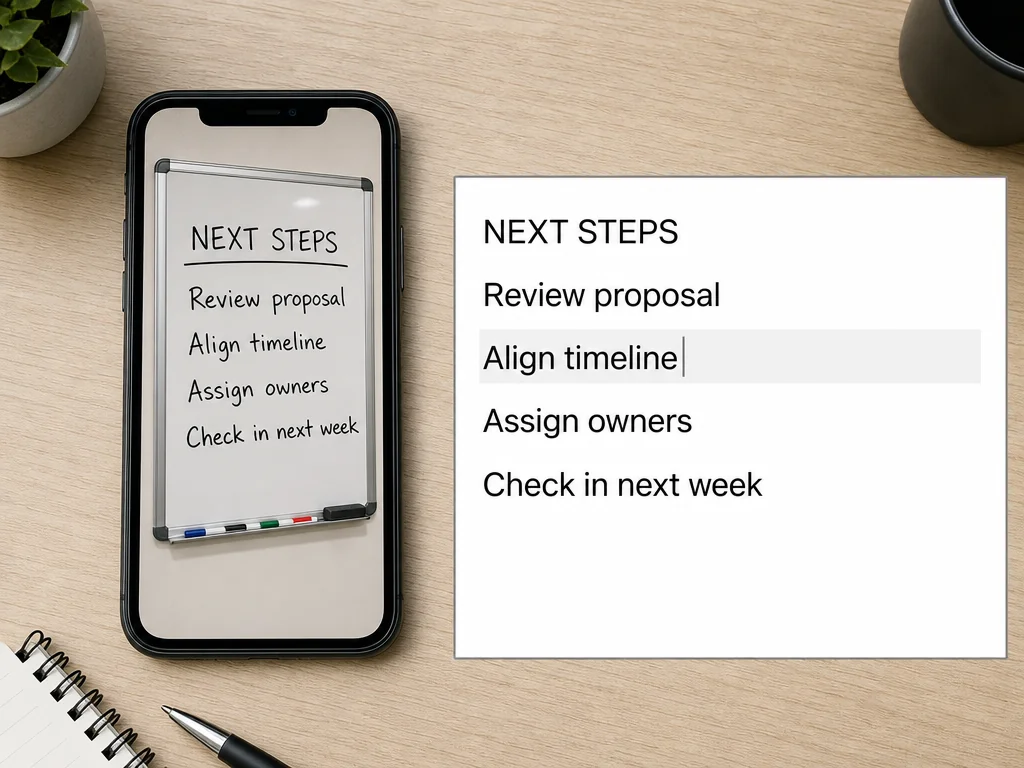
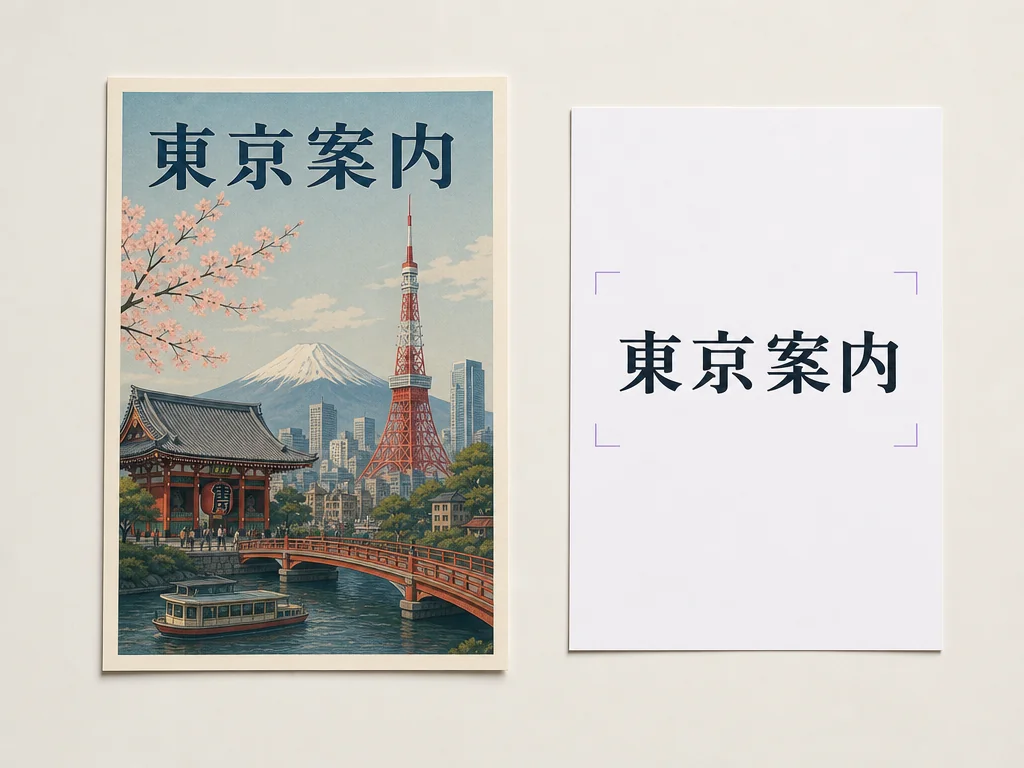
Pictext is built for multilingual image-text work, so it can help when the words in an image are not in your usual language. Need to go beyond extraction? Open the image translator when your goal is to translate text inside an image.
Choose a JPG, PNG, or WebP file up to 10 MB. A sharp image with readable, well-lit text usually gives the recognition process a clearer source to work from.
Start the extraction when your image is ready. Pictext processes the image and returns its recognized words as editable text. One OCR extraction uses 1 credit.
Review the result and correct anything the original image made difficult to read. Copy the text to your clipboard or download it as a TXT file. Your result is also saved to history so you can return to it later.
Pull product details, event information, or campaign copy from a visual and move it into your working document. Marketers and content teams can recover useful wording without rebuilding it character by character.
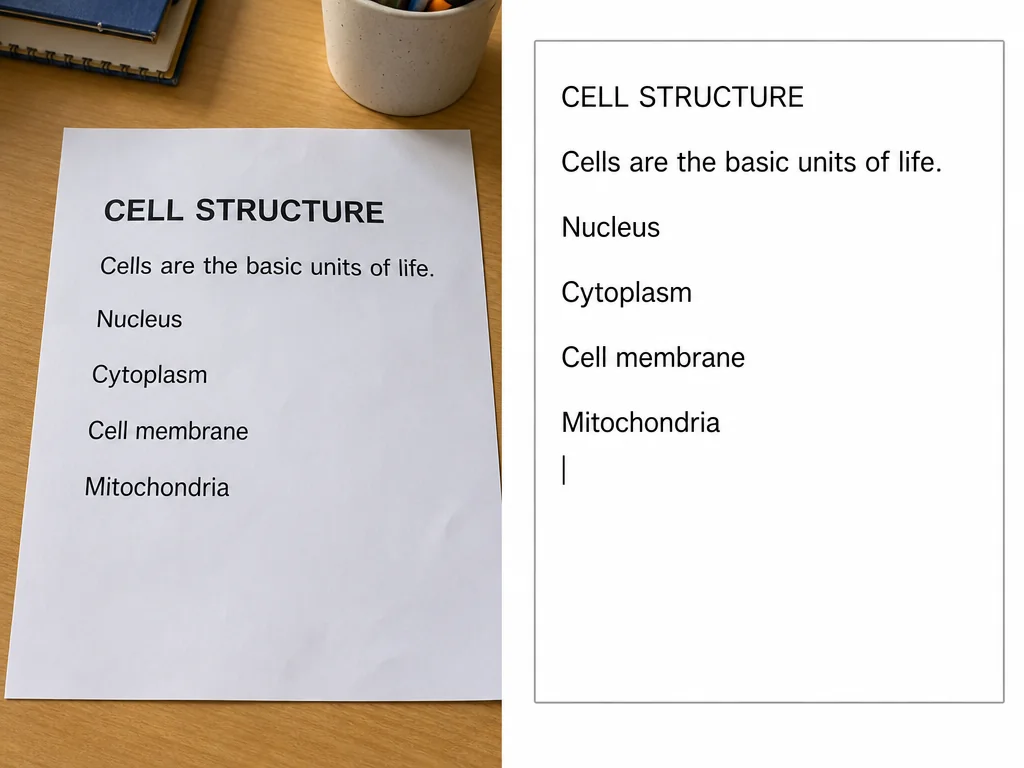
Extract passages from slides, handouts, or photographed pages, then edit the result into study notes. Recognition quality depends on the source, so check names, numbers, and formatting before using the text in an assignment or citation.
Move addresses, instructions, menu items, or reference text from an image into a searchable document. When the task is to change the screenshot itself rather than extract its words, use Pictext's screenshot editor instead.
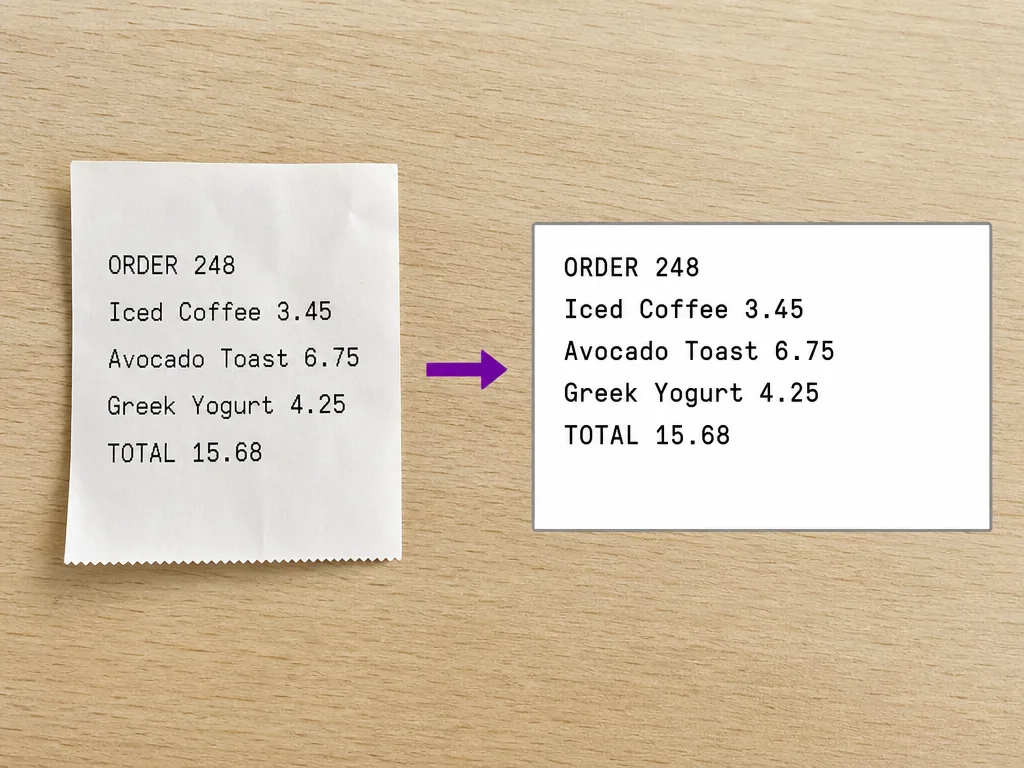
Open the tool, add an image, and extract the text without installing desktop software. The workflow stays centered on a single image, making it straightforward for quick one-off tasks. Need to edit text inside an image? Use Pictext's image text editor.
The result is not locked inside the image. Edit recognized text before reusing it, copy it to another app, or download a TXT file that can be stored with the rest of your project.
Pictext accepts JPG, PNG, and WebP images up to 10 MB. Knowing the limits before you upload helps you prepare the source without trial and error.
Use the same simple workflow for image-text tasks across languages. This is useful for international materials, travel photos, multilingual content, and documents shared across teams.
Try image to text free with Pictext's daily allowance. Each extraction uses 1 credit, and the free balance resets the next day when it has been used up.
Extraction is one part of working with words in visuals. To clean lettering out of the original picture, continue with the remove text from image tool rather than treating OCR as an image editor.