Step 01
1. Upload a Supported Image
Choose a JPG, PNG, or WebP file up to 10MB from your device, or start with one of the example images on the page.

 BeforeAfter
Clean unwanted words, captions, dates, and labels from images without rebuilding the entire design. Pictext is a browser-based AI text remover focused on removing text and reconstructing the area behind it, with free credits that reset daily.
Upload Your Image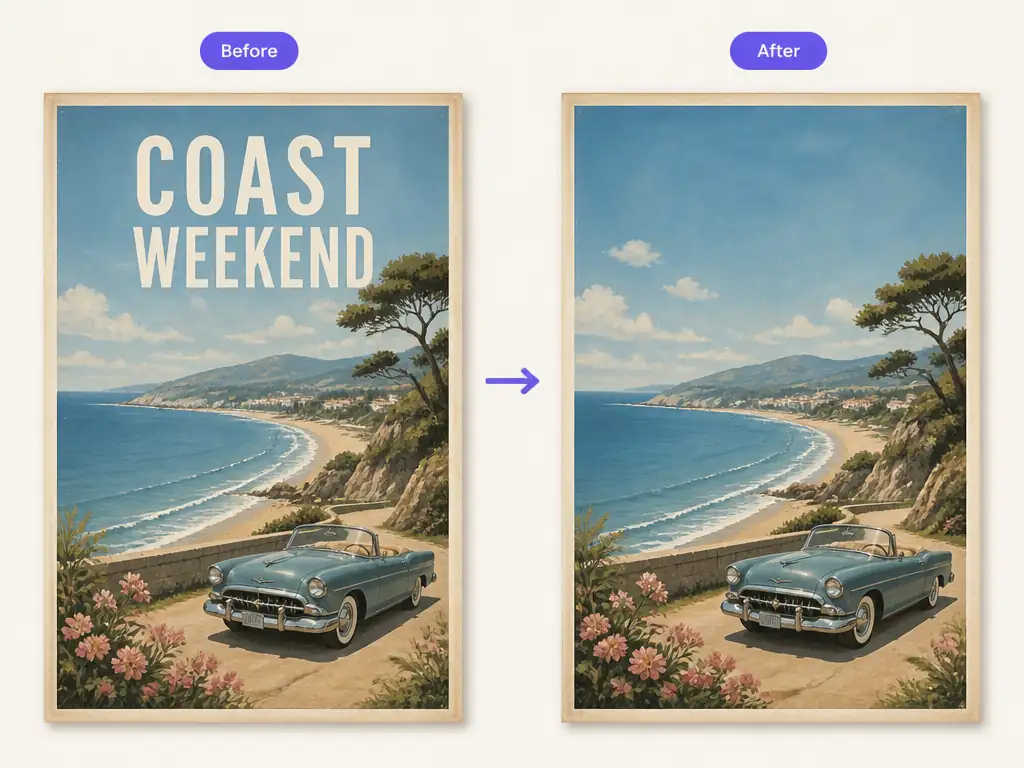
Pictext is designed around words embedded in images rather than broad object removal. Manual Edit supports exact text entries, while AI Detection can identify visible text, helping keep the edit focused on the copy that needs to go.
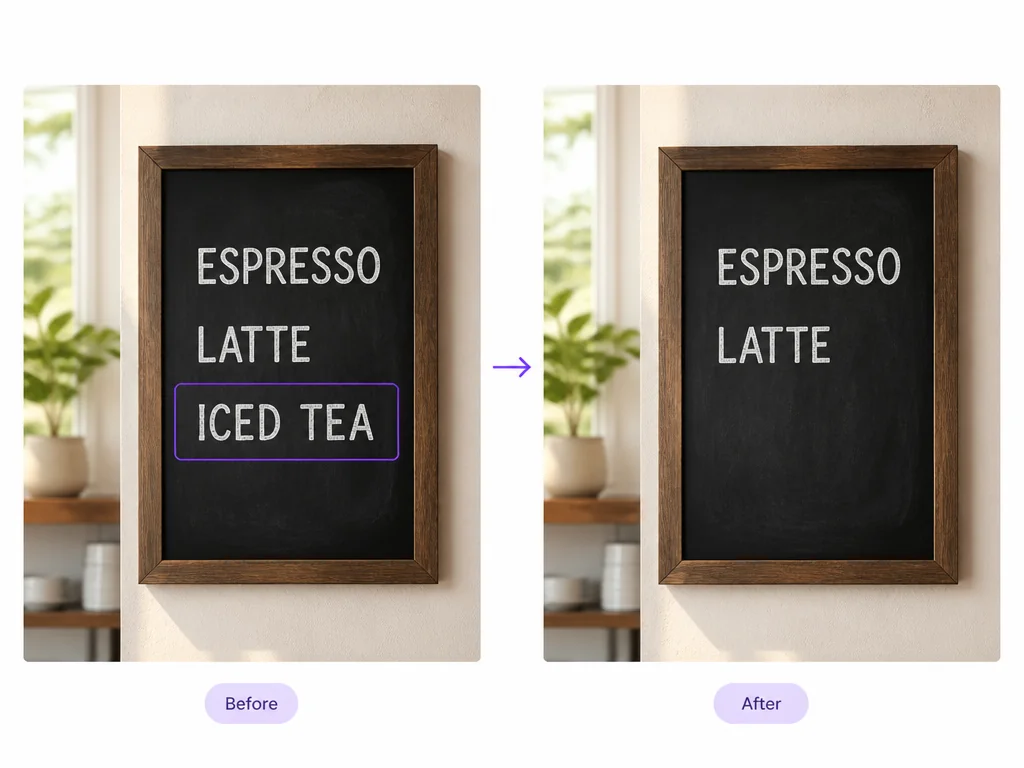
Pictext generates a new image with the selected text area rebuilt to reflect nearby colors, lighting, and texture. Results vary by image; simple backgrounds are generally easier to reconstruct than faces, fine lines, or complex patterns.
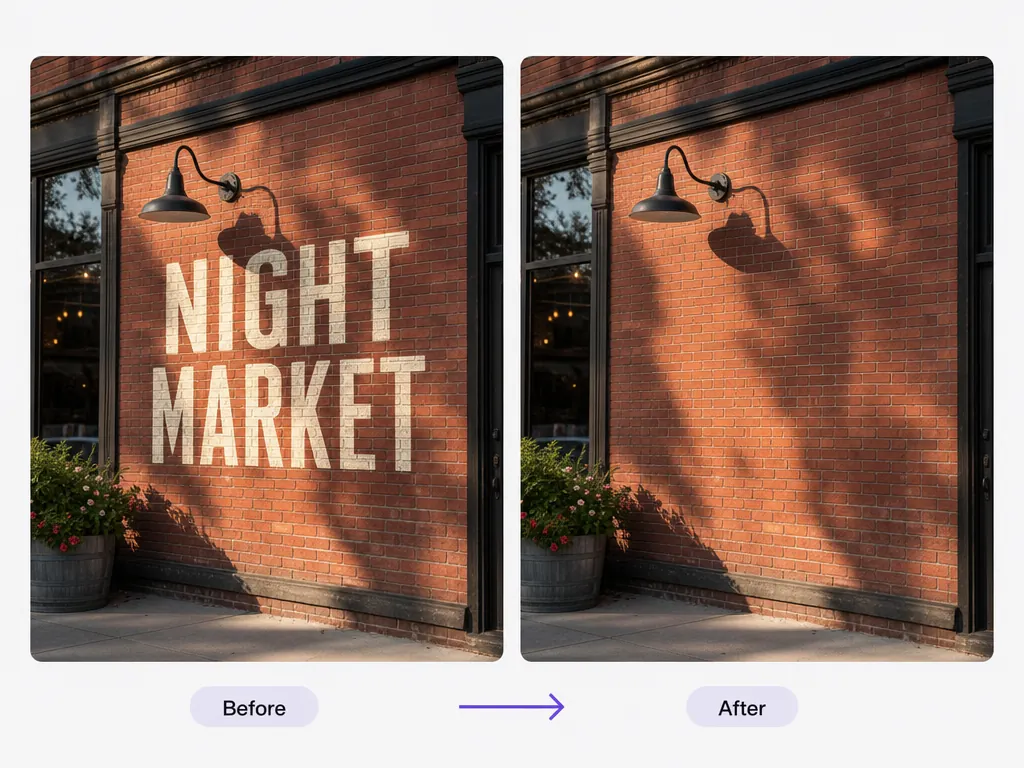
The comparison view keeps the original and generated versions together, making differences around the cleaned area easy to inspect. This is especially useful for curved surfaces, shadows, and textured backgrounds where small details matter.
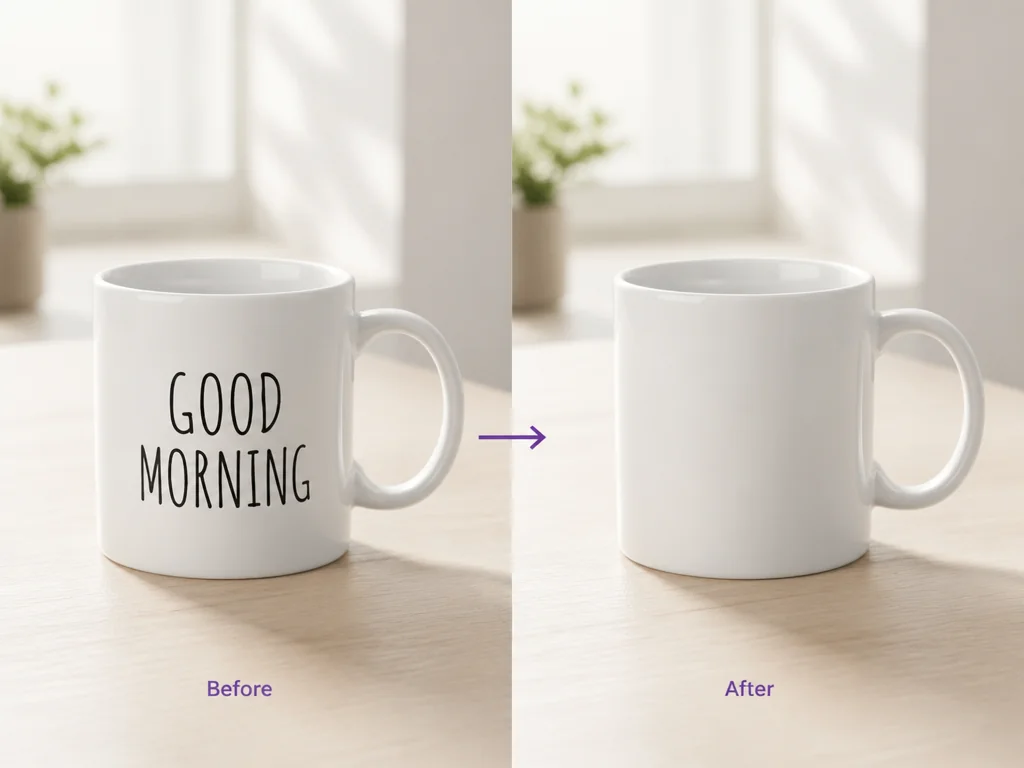
Choose a JPG, PNG, or WebP file up to 10MB from your device, or start with one of the example images on the page.
Enter the exact words in Manual Edit, or use AI Detection and select recognized text. You can add several manual text groups when one image contains more than one phrase.
Choose the Basic or Upgraded model, run the edit, and compare the new image with the original. Download the generated result once you have checked the rebuilt area.
Reuse a banner, flyer, or social graphic after a date, price, or campaign line has expired. Remove the old words first, then continue editing the clean version in the design tool you already use.
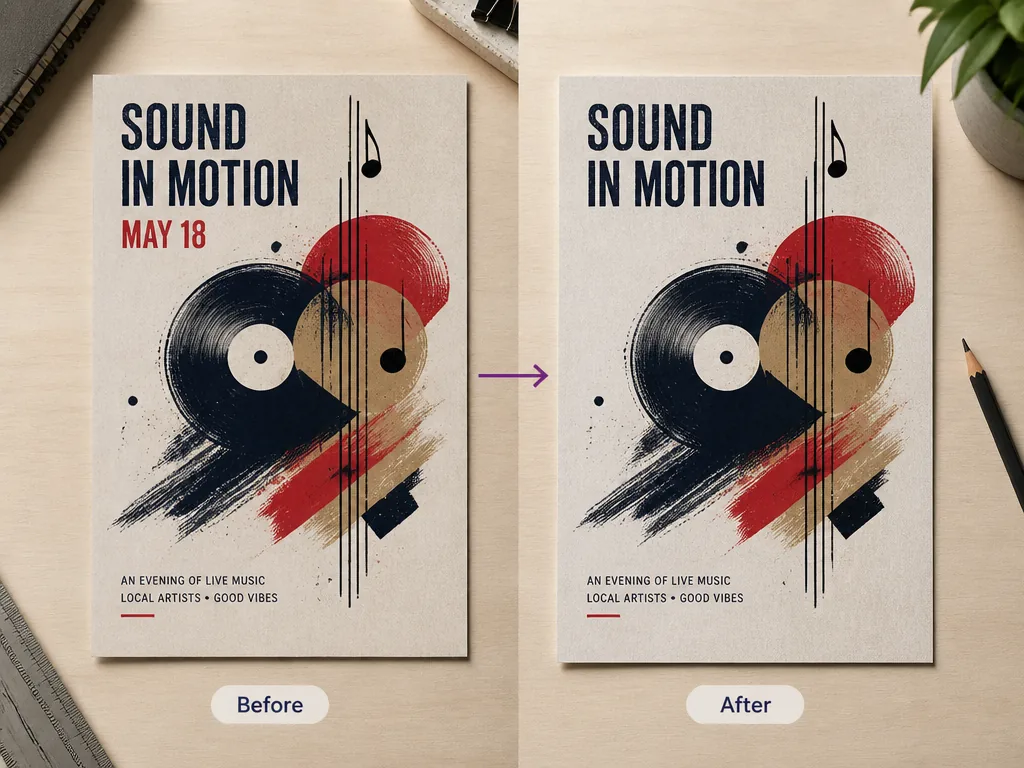
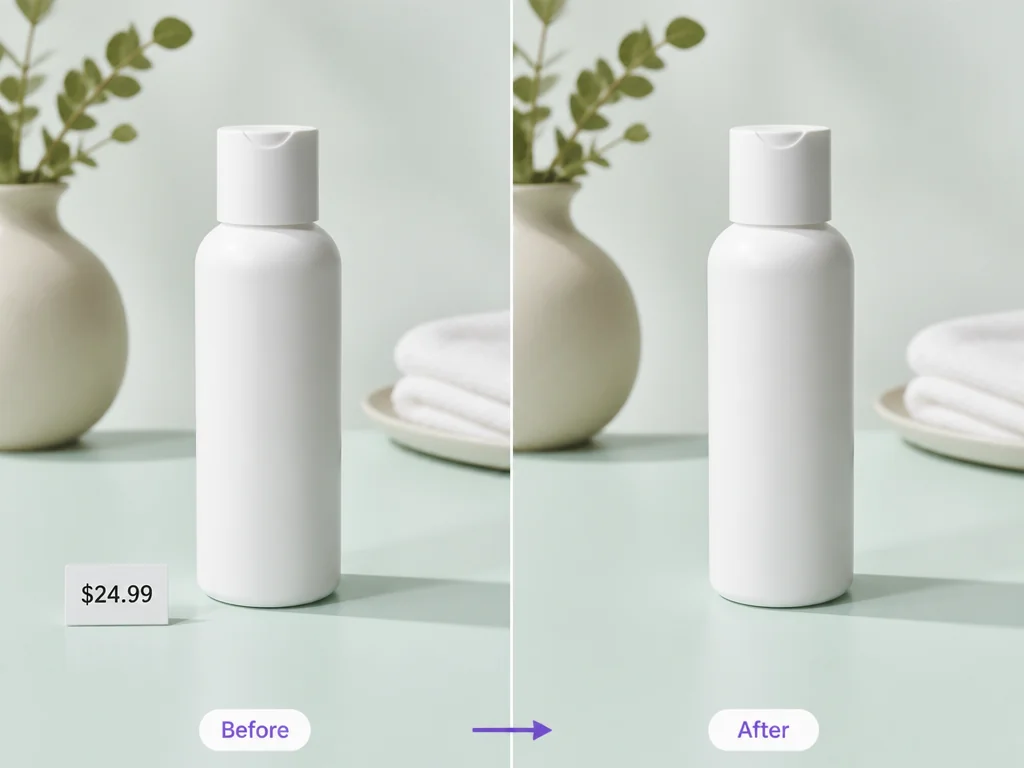
Remove temporary labels, sample copy, or outdated promotional text from product photos you own. A clean base image is easier to reuse across listings, presentations, and new campaign layouts.
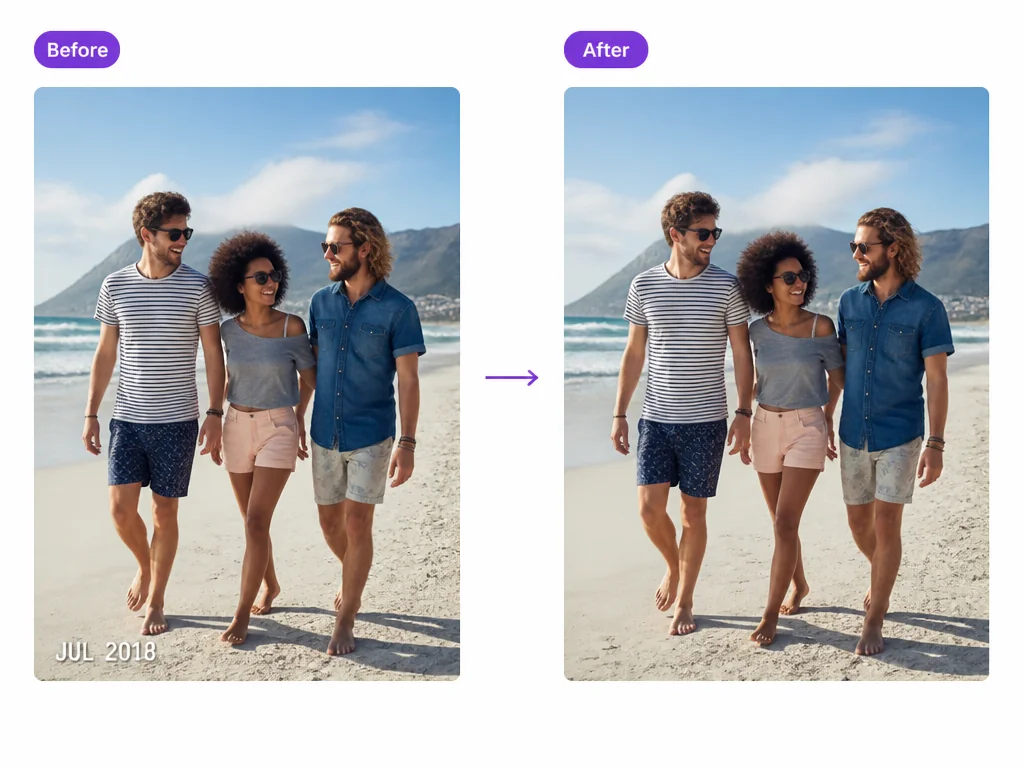
Take an unwanted date stamp or caption off a personal image while keeping the rest of the scene in view. Only edit images you own or have permission to change, especially when a watermark or brand mark is involved.
Open the tool online and upload a supported image from your device. There is no separate desktop application to install for this workflow. For broader changes to words inside pictures, explore Pictext's AI image text editor.
Type the words yourself when you need direct control, or spend one credit on AI Detection to recognize visible text and choose from the results.
Use Basic for faster processing optimized for English use cases, or choose Upgraded for stronger capabilities and more consistent results. The current edit cost is 2 credits for Basic and 4 credits for Upgraded.
Use the comparison slider after processing to inspect what changed. The original view remains available so you can check the edit before downloading the result.
Upload JPG, PNG, or WebP files up to 10MB. The same format and size checks apply whether you start on the upload screen or change the image inside the workspace.
Pictext is free to try with a daily allowance of credits. When the free allowance is used, it resets the next day so you can return and continue testing the tool.