
Step 01
Upload a Manga Image
Choose a manga page, panel, or comic image from your device and bring it into Pictext's browser-based workspace. For screenshots or cropped references, Pictext's screenshot editor can be a useful companion feature.
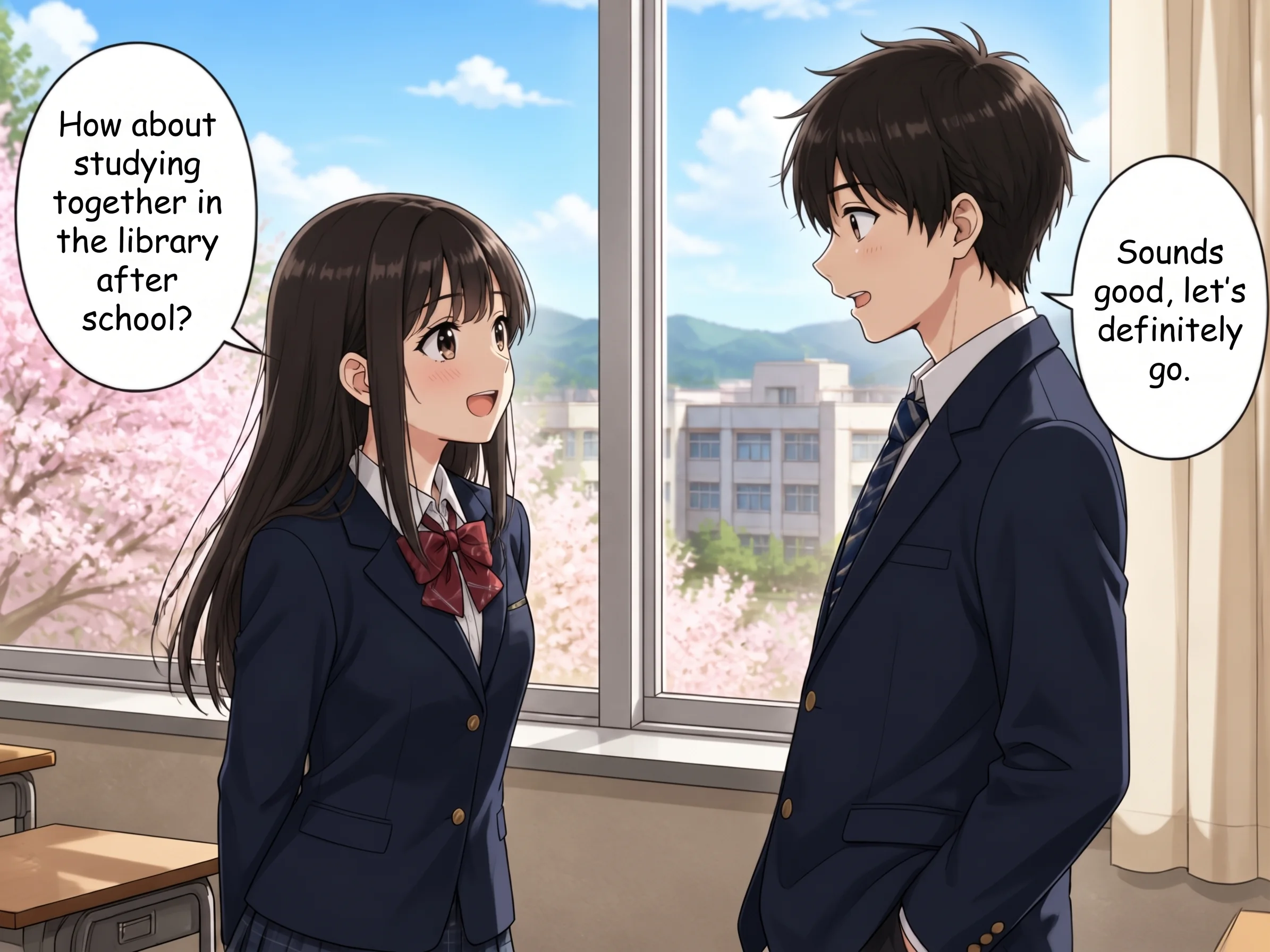
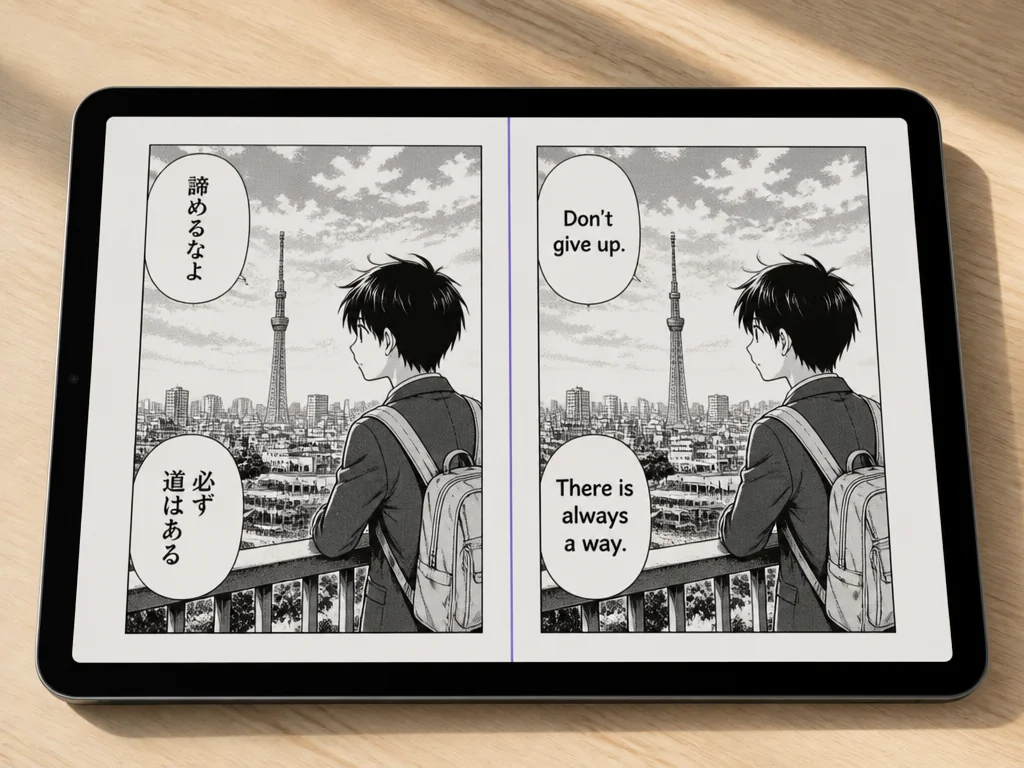
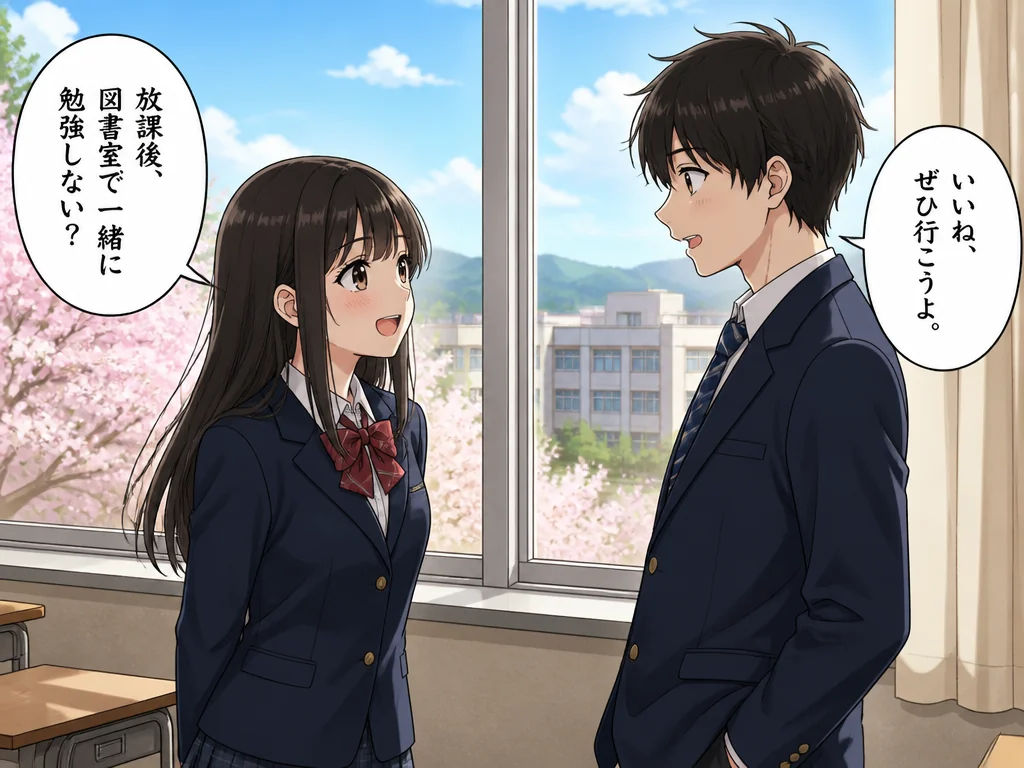 BeforeAfter
Translate manga dialogue and captions directly from an image with Pictext. Upload a page, work with the text in its visual context, and move from Japanese or other languages to a version you can understand and reuse. Pictext is a browser-based image text editor that is free to try with daily credits.
Try Manga Translator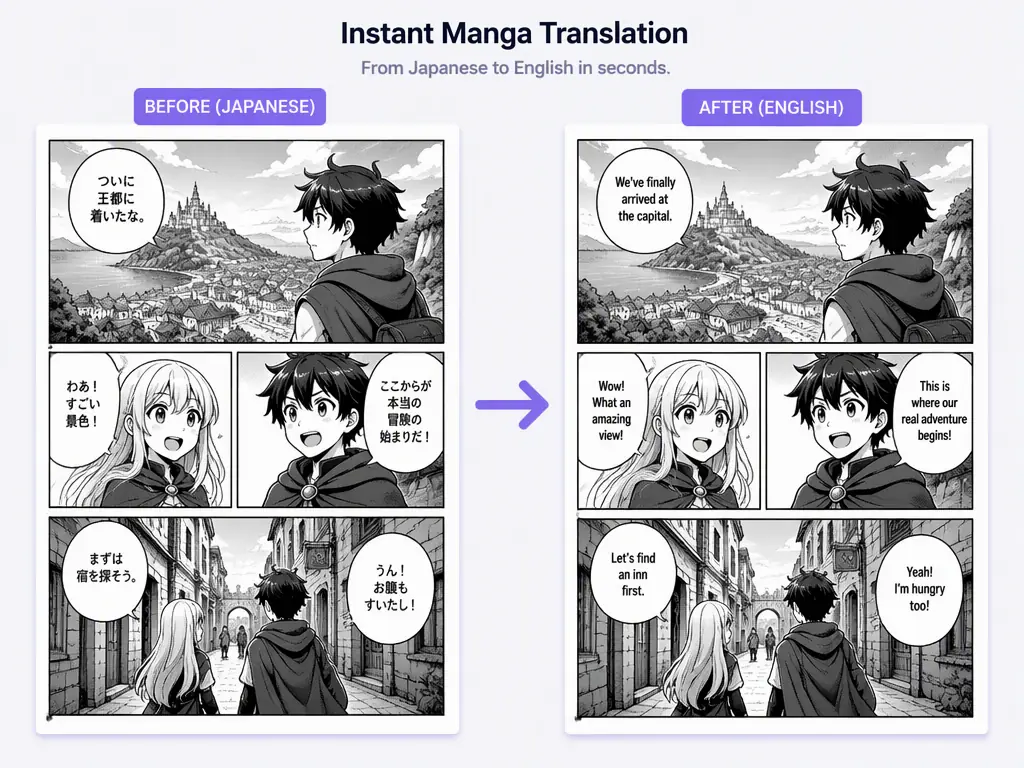
Upload a manga page and identify the text that appears inside speech bubbles, captions, signs, and panels. Keeping the text tied to the original image helps you review each line where it appears. For text you want to copy or reuse outside the artwork, you can also use Pictext's image to text feature.
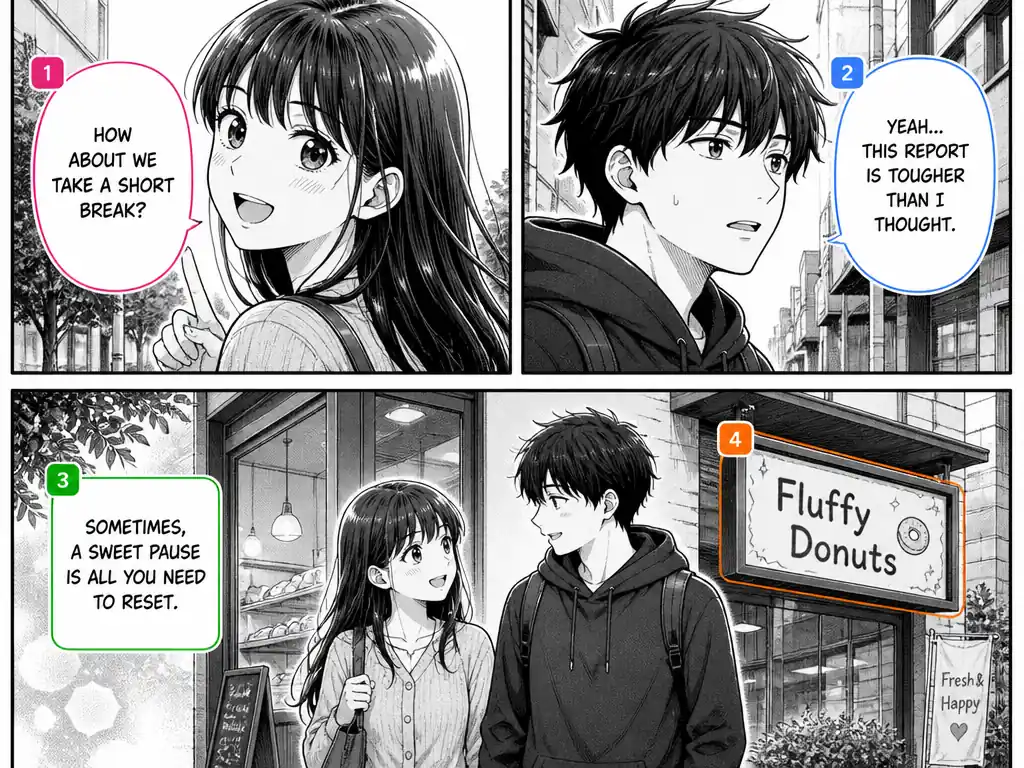
Use Pictext as a manga image translator to translate manga images between supported languages while preserving the surrounding visual context. It is useful for readers, creators, and teams using Pictext's multilingual image-text features.
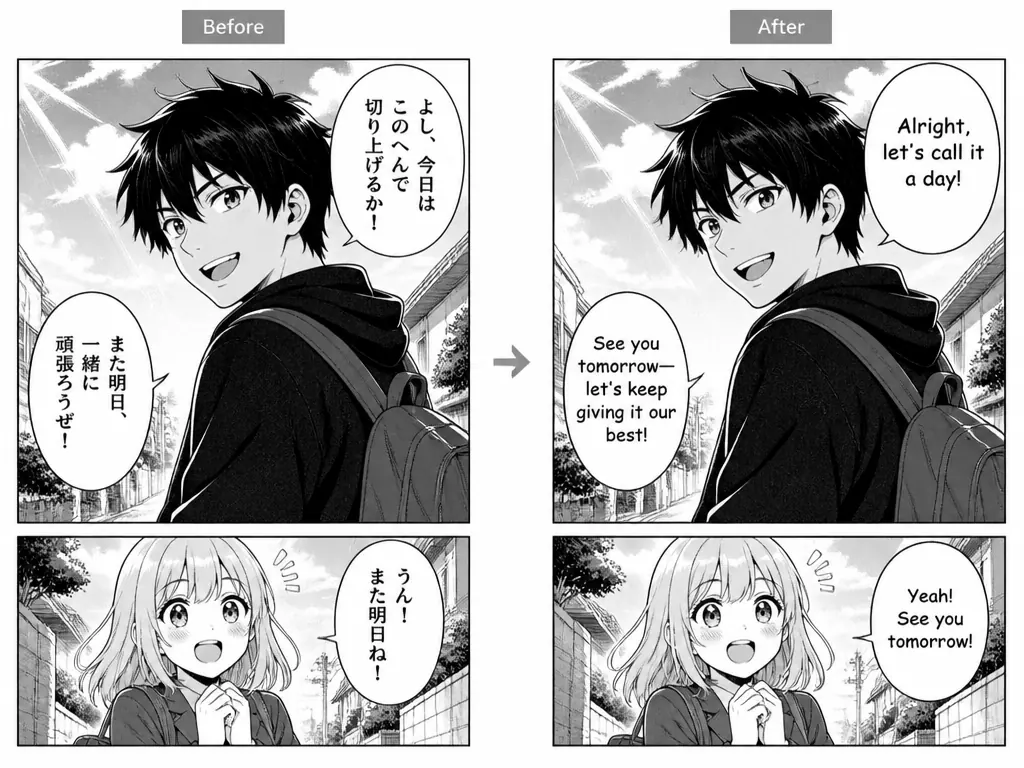
After translation, continue editing the image text in the same focused workspace. Use Pictext's image text tools to add, edit, or adjust text when you need to prepare a draft for localization or a personal reference copy. When a source image contains wording that should be cleared before replacement, see the remove text from image feature.
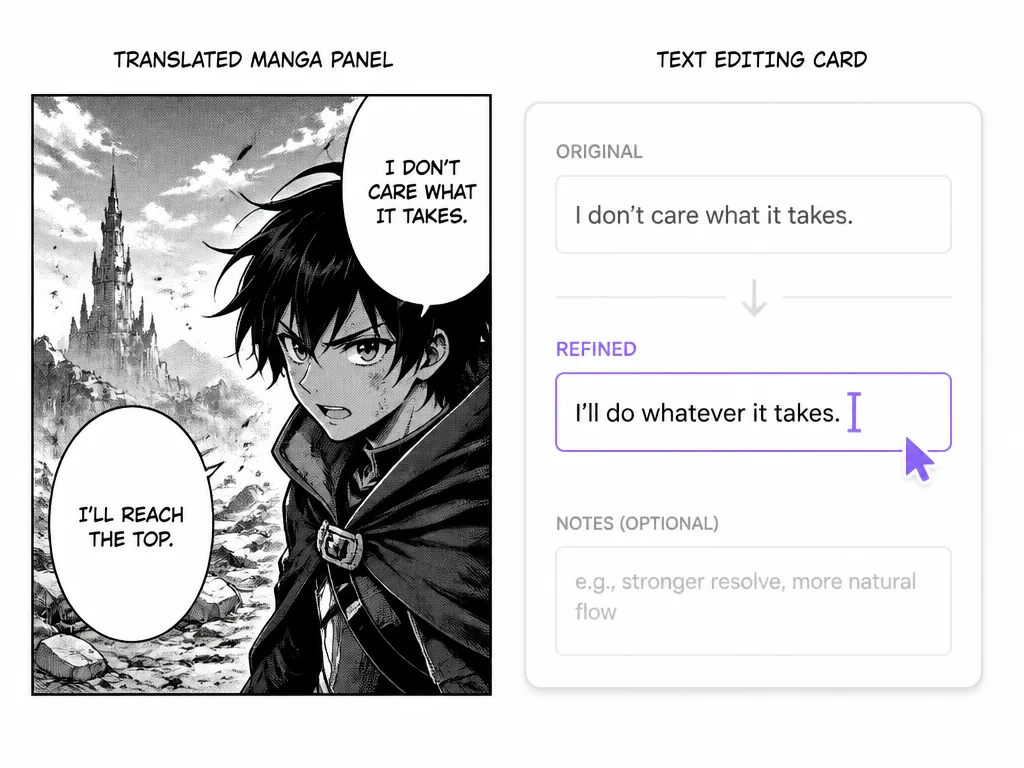
Choose a manga page, panel, or comic image from your device and bring it into Pictext's browser-based workspace. For screenshots or cropped references, Pictext's screenshot editor can be a useful companion feature.
Choose the target language for the translation task, then let Pictext work with the text embedded in the image rather than requiring a separate transcription step first.
Check the result in its original visual context and continue editing the wording when a line needs a more natural or audience-specific version.
Use a manga translator online to understand Japanese dialogue, sound-effect labels, and short captions while reading the original page. It is a practical starting point for personal reading and translation review.
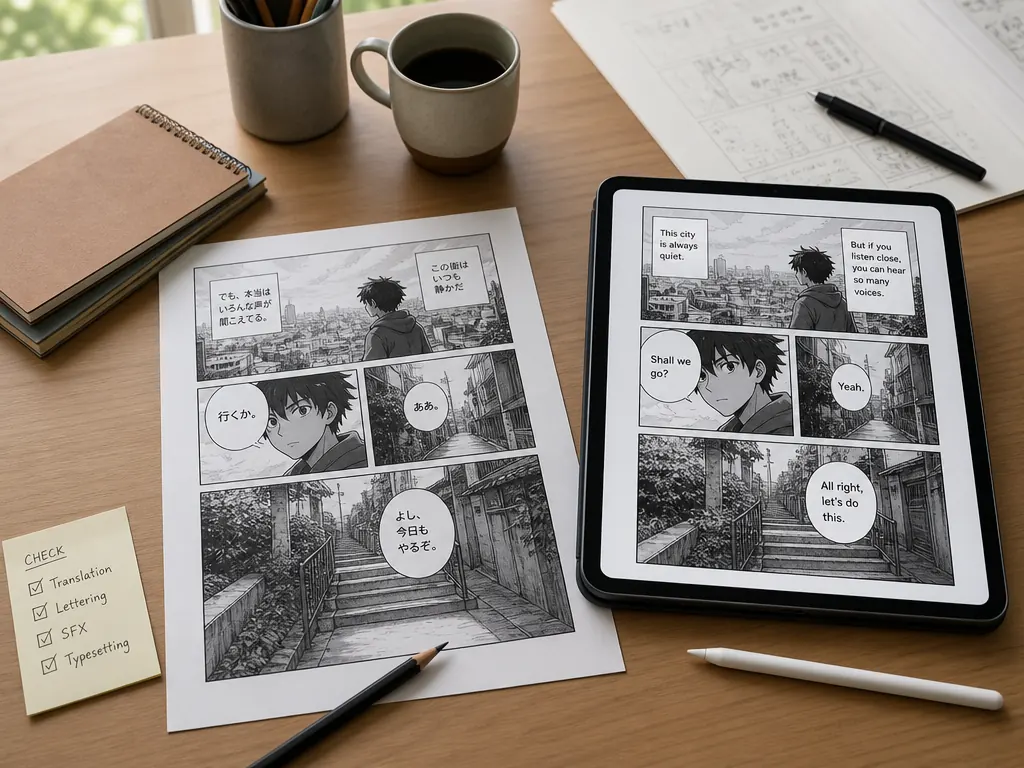
Creators and localization teams can use translated manga images to review phrasing, compare language choices, and prepare image-text drafts before a final editorial pass.
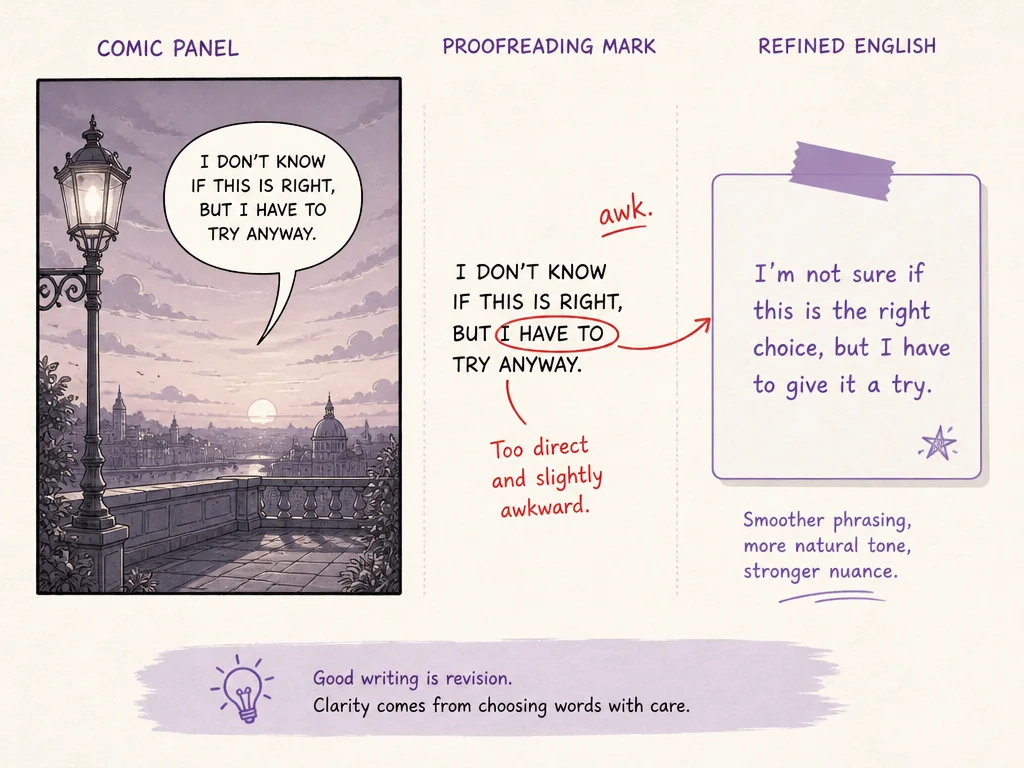
When a manga image arrives in an unfamiliar language, Pictext helps you translate the text in place so the artwork, panel order, and surrounding clues remain visible during review.
Translate manga online from a modern browser without installing a separate desktop editor. Upload an image and keep the work in one focused place.
Pictext focuses on text inside images, so its features are designed around the relationship between wording, placement, and visual context.
Move between supported languages for reading, localization, and review tasks while keeping the original image available as a reference.
Pictext provides daily free credits so you can test the manga translator feature before deciding how it fits your needs.
Readers, designers, marketers, students, and creators can use the same image-text workspace for different translation and editing tasks.
Review the translated wording in context and make edits when needed before using it in a personal reference copy or localization draft.