Step 01
Upload or Photograph the Menu
Take a clear photo or upload one you already have. Keep dish names and prices inside the frame, and avoid glare or heavy shadows.
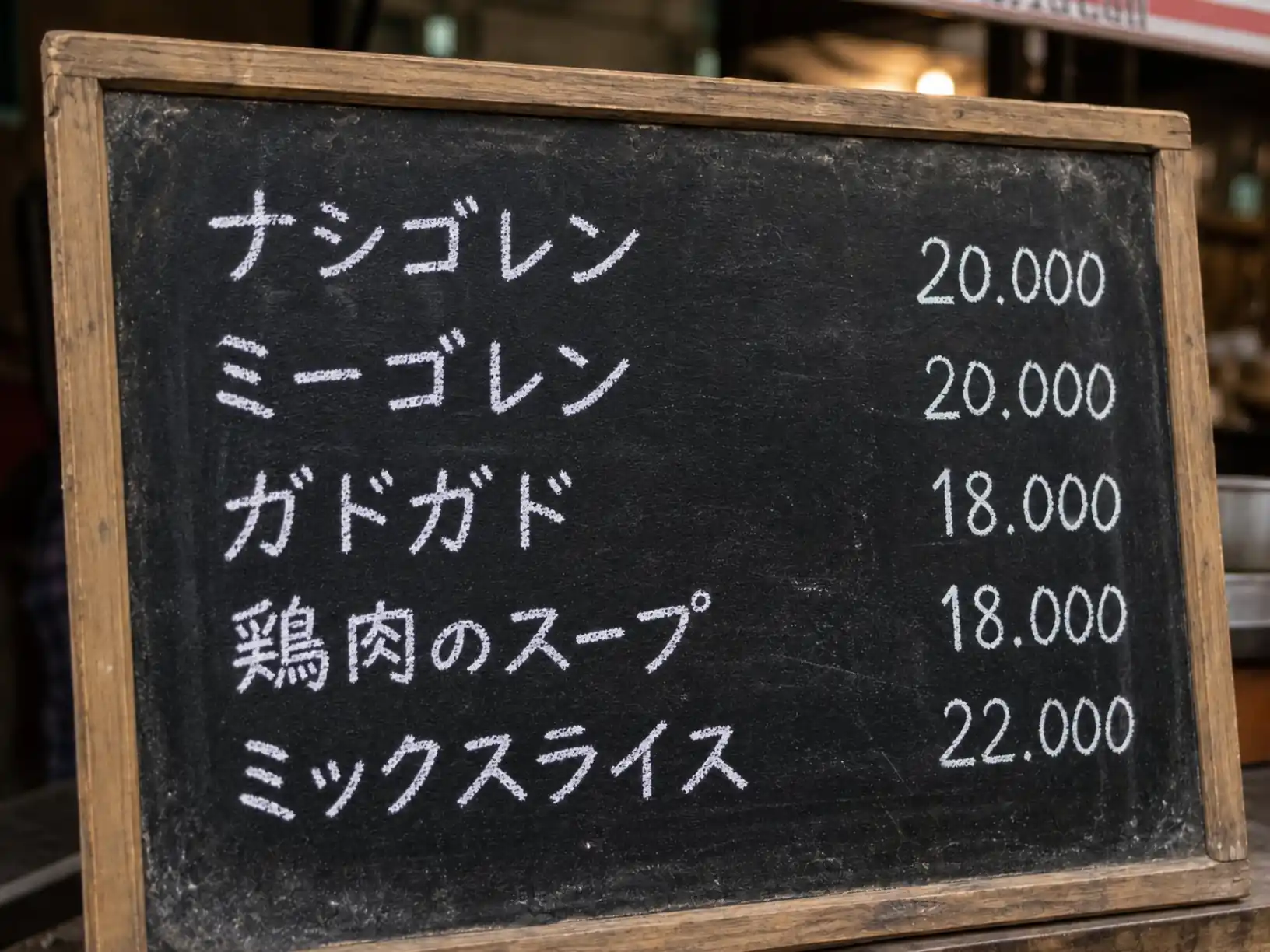
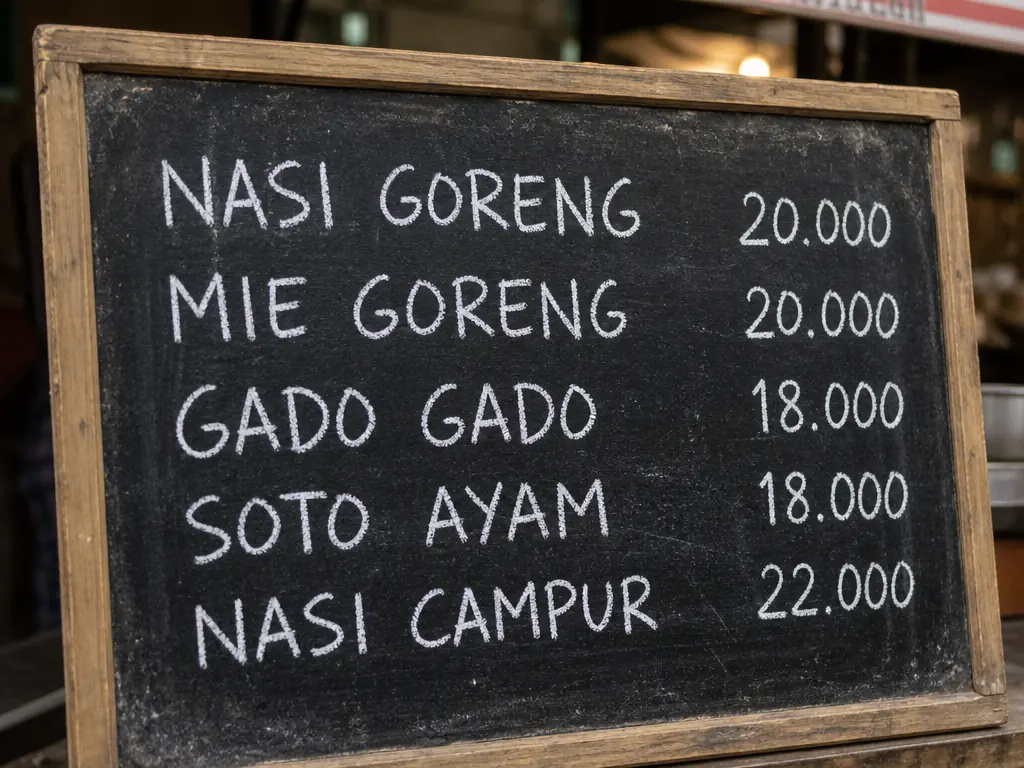 BeforeAfter
Pictext is a menu translator that turns a menu photo into text you can read in your own language. Point it at a menu, pick a target language, and get dish names and ingredients back in seconds. It runs in your browser with free daily credits.
Translate a Menu Photo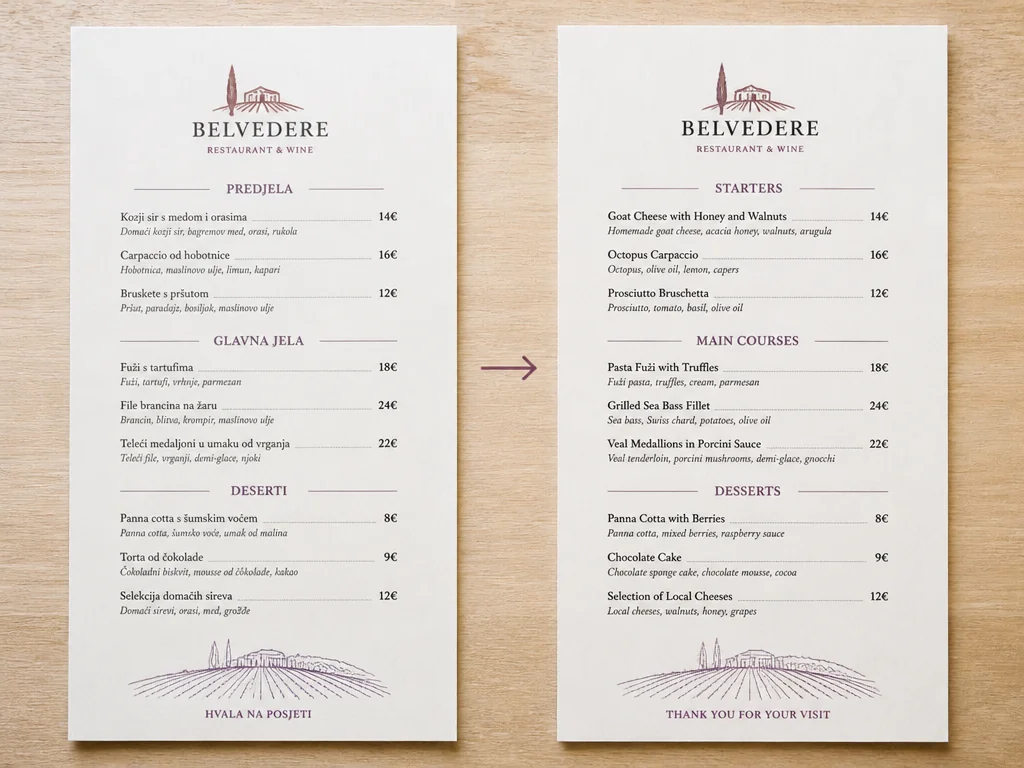
Ingredients decide whether a plate fits your diet, and cooking words tell you if a dish is fried, raw, or spicy. Cropping a dense or handwritten menu section before translating usually gives a cleaner result.
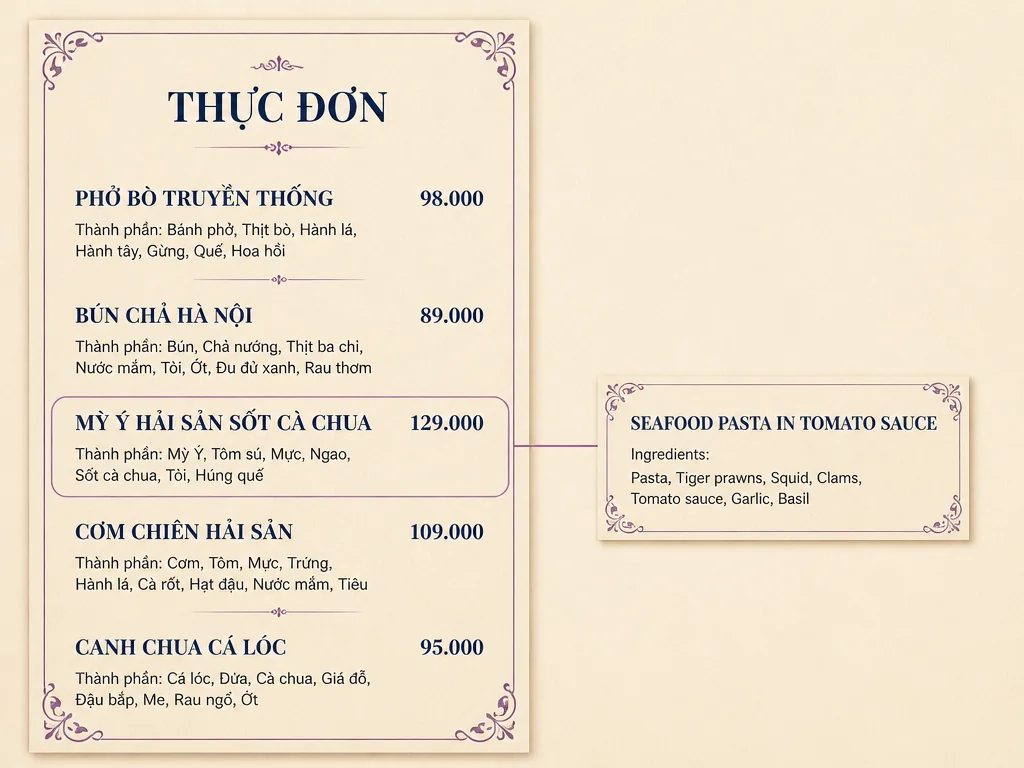
Local dish names often carry meaning that a literal translation misses. Pictext translates in context, and when a name has no clear equivalent, the original stays next to the translation so you can ask the right question at the table.
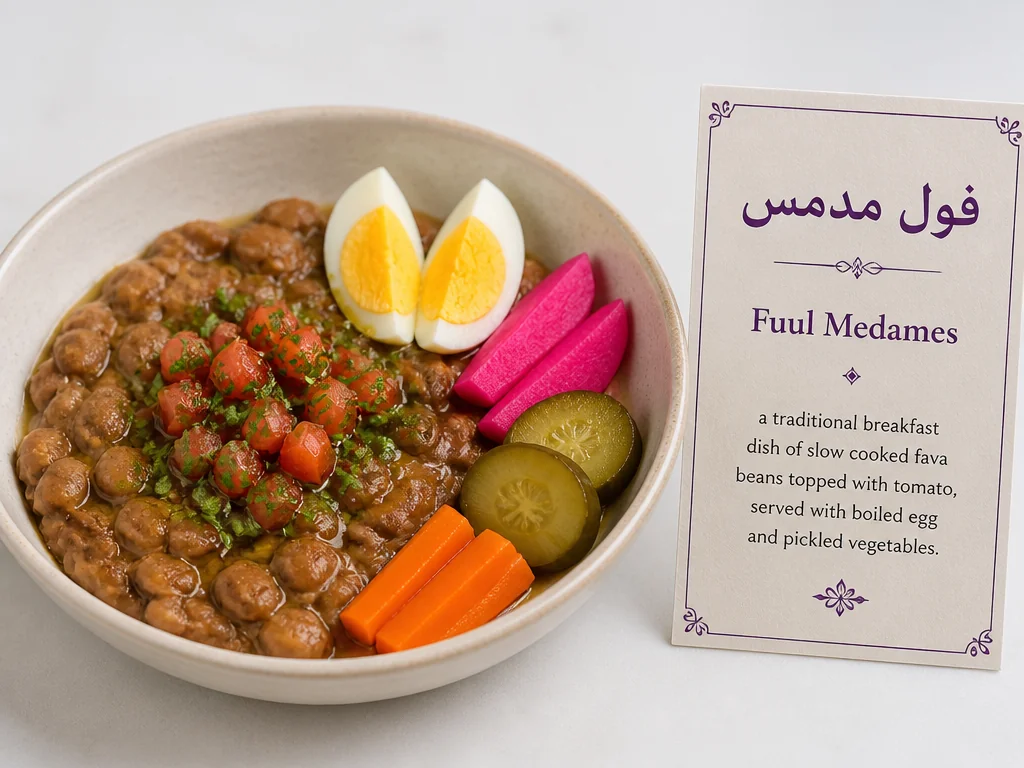
Small fonts and angled photos make text easy to misread, so Pictext reads the text first and then translates it, letting you check that dish names and ingredients were captured correctly. Need the raw text to copy or edit? Pair it with image to text.
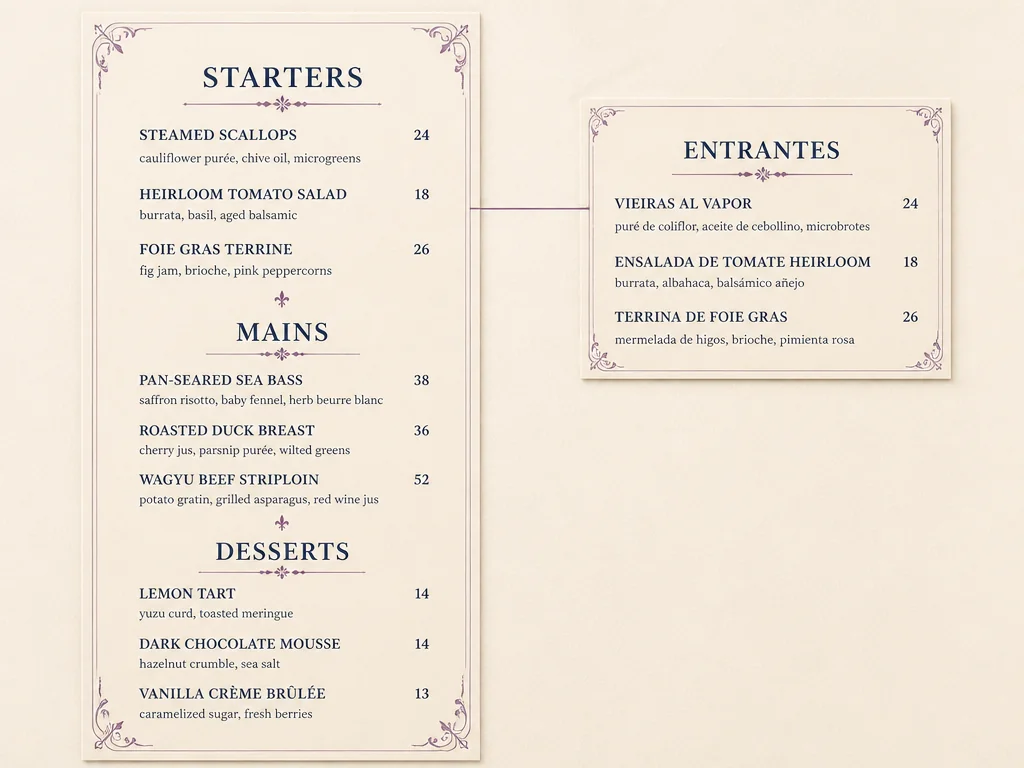
Take a clear photo or upload one you already have. Keep dish names and prices inside the frame, and avoid glare or heavy shadows.
Pick the language you want. Pictext supports several, and you can run the same photo again whenever you need a different one.
Pictext returns the dish names and ingredients as readable text you can scan at the table. Keep it open while you order, and show the original photo beside it if you want to point at a line.
When staff are busy and the queue is long, asking about every dish is not realistic. Photograph the menu and read the dish names and ingredients before you reach the counter. For menus that mix long descriptions with dish names, image translator handles the longer text blocks the same way.
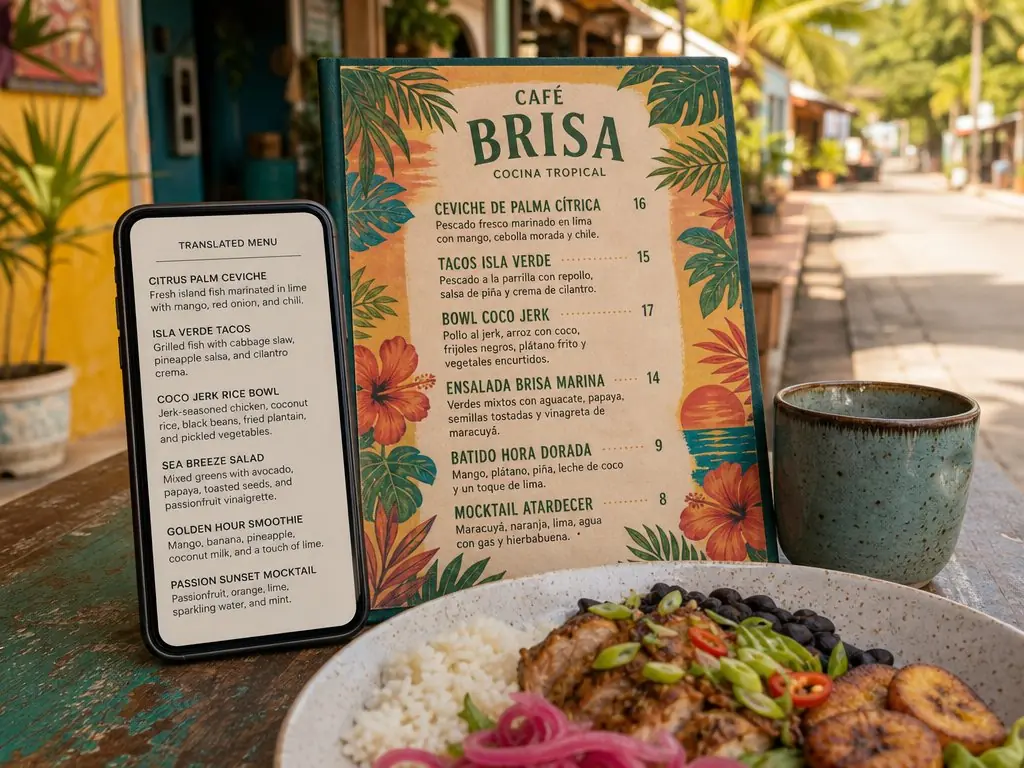
Street food boards, café displays, and buffet labels are often handwritten, and handwriting is where photo translation is least certain. Crop to the lines you need, keep the text flat and evenly lit, and read the result as a likely reading. It is still enough to tell whether an item is grilled, fried, or served cold.
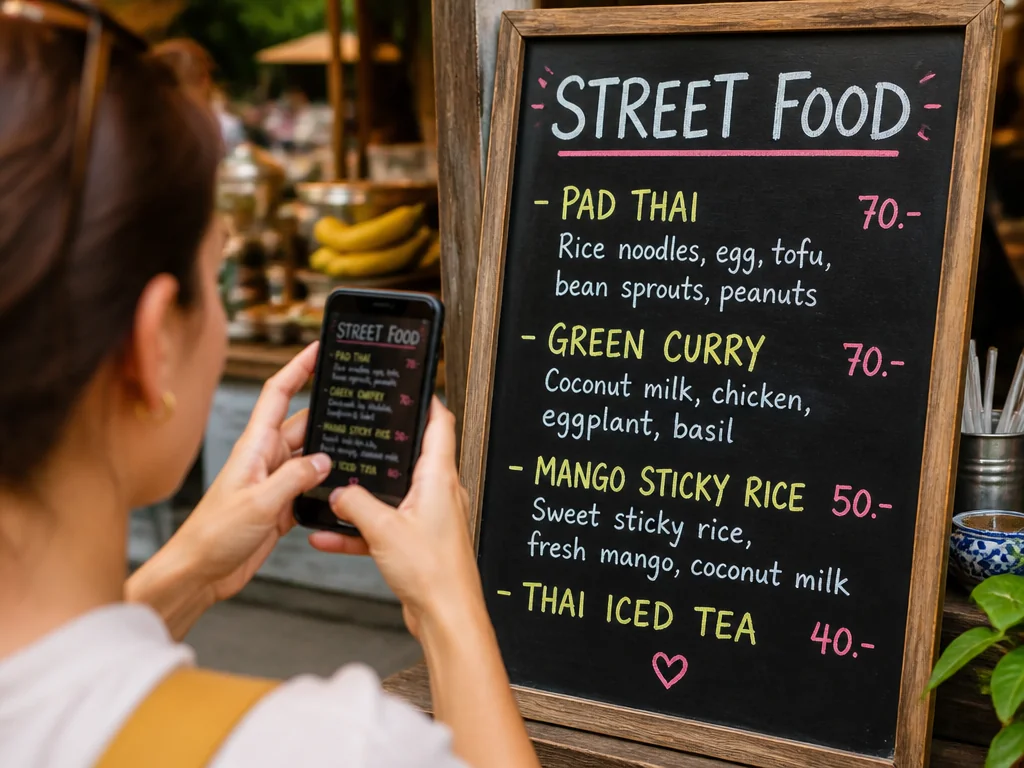
Words like nuts, shellfish, dairy, or gluten are the ones to catch first. Use the translation to shape a clear question, then confirm serious allergy concerns with staff, since a photo cannot prove how a kitchen prepares food. If the menu photo has clutter you want to clean up first, that step belongs on a dedicated page such as remove text from image, not in the menu translator itself.
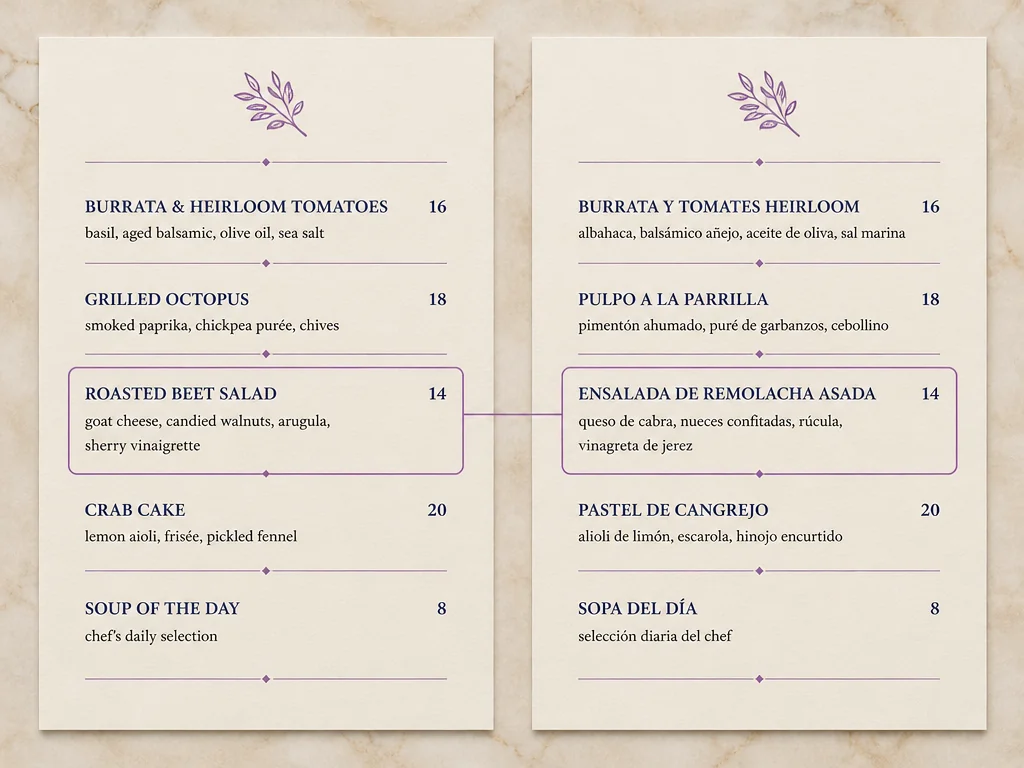
Pictext focuses on reading, translating, and editing text inside an image rather than being a general photo editor. That focus keeps menu text readable while you translate it, so you can compare dishes without losing the original wording.
Start with the free credits Pictext provides, which reset every day. There is no account to create and no payment step before your first translation.
Menu translation rarely involves a single language. Pictext supports several, so the same photo can be translated into the language you read most comfortably instead of switching apps per language.
Menu photos can show where you are and what you ordered. Pictext keeps the workflow focused on the task at hand, so review the privacy policy before uploading sensitive photos.