
Step 01
Upload the Image
Choose a JPG, PNG or WebP file up to 10 MB. A screenshot saved as PNG works the same way as a photo of a page.
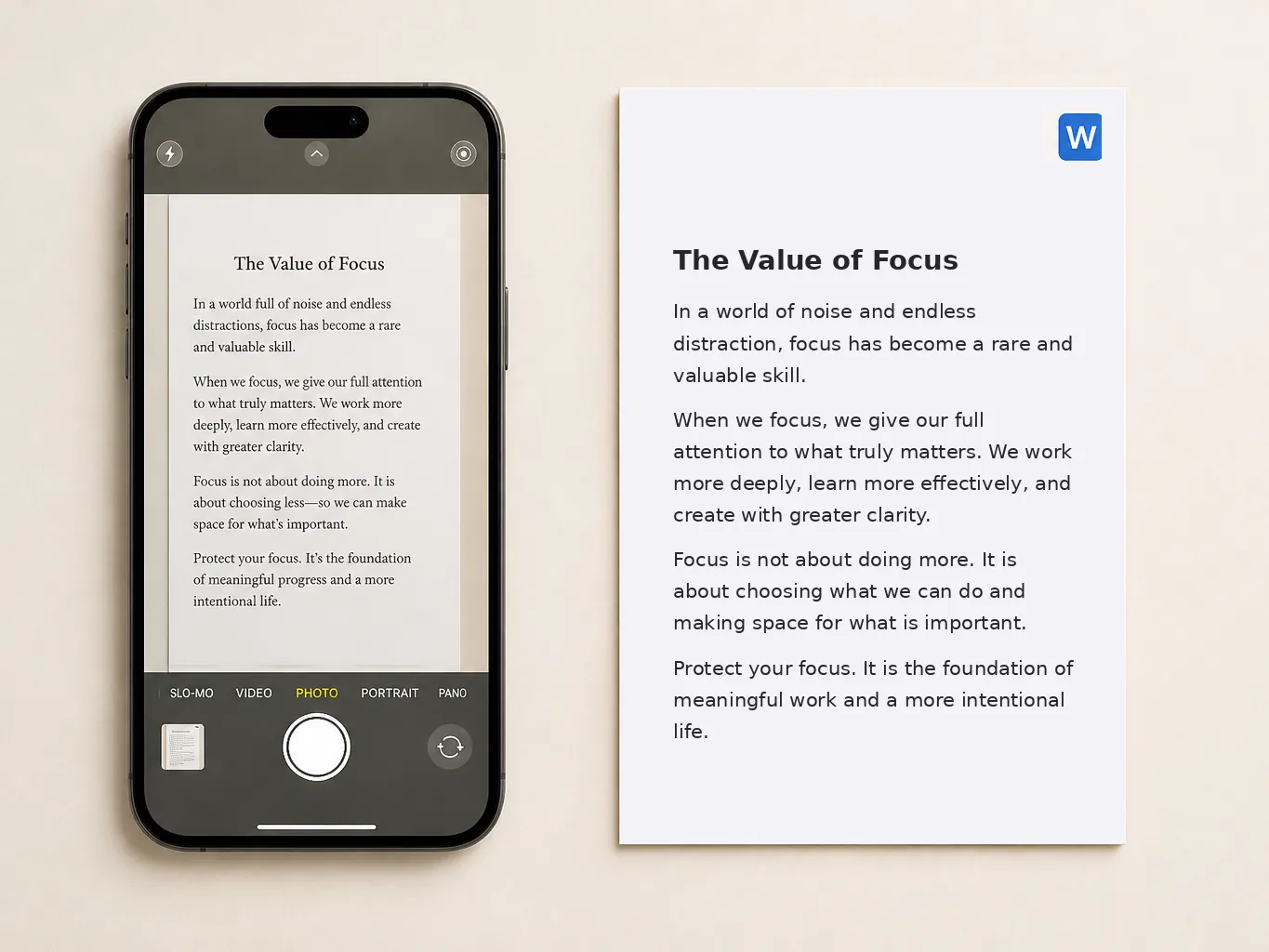
Turn any JPG, PNG or WebP image into editable text. Pictext reads the words inside your photo, scan or screenshot and opens them in a text box, so you can fix a misread character before you export. When it reads right, download the same text as a Word file. No re-typing, no install, no sign-up to start, and no cost to try.
Need only a plain text file instead? The same recognition runs on our image to text page, where the file you download is a TXT document.
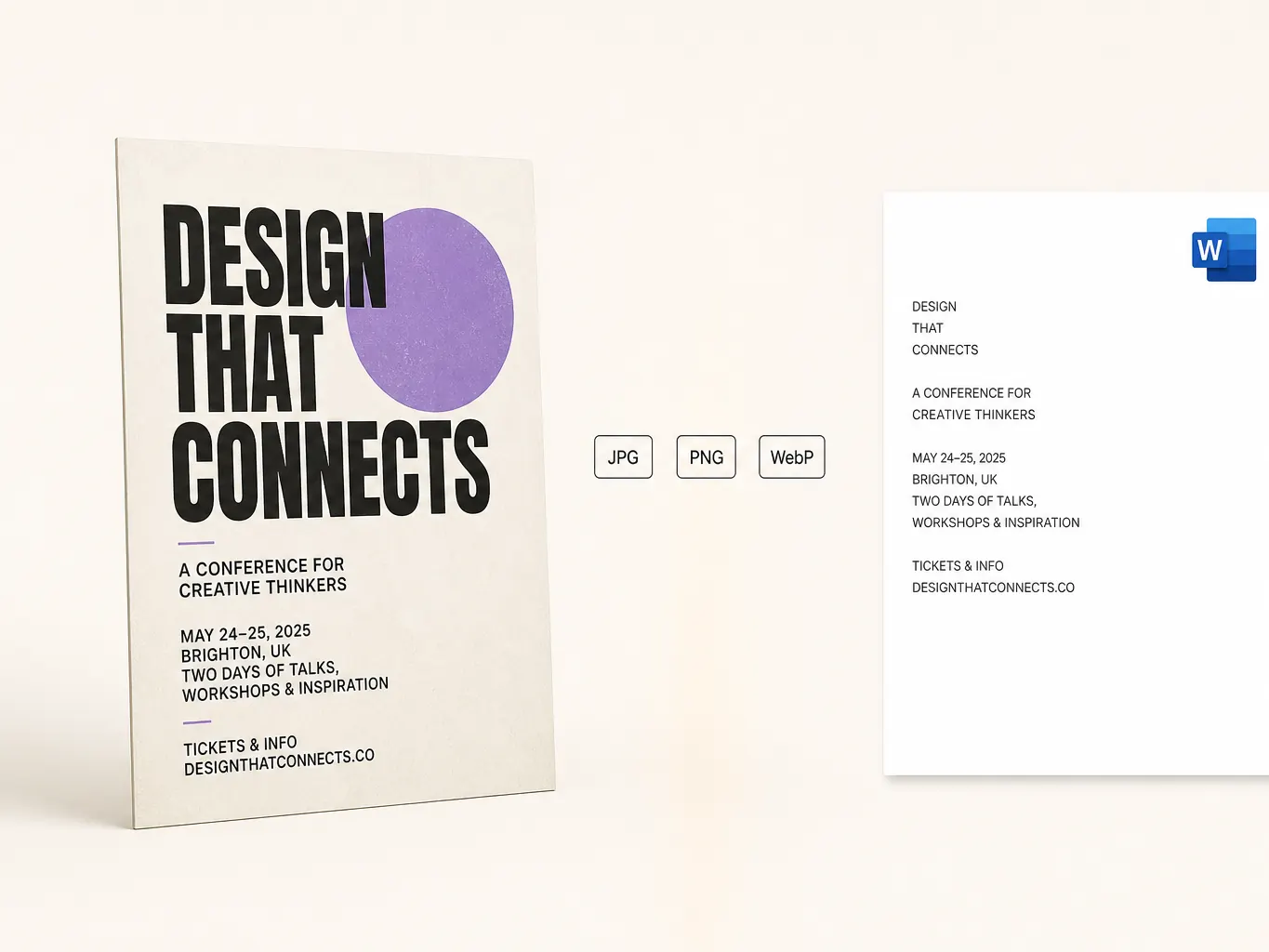
Format is not the thing to worry about when you run a JPG to Word conversion: a JPG, a PNG or a WebP all end up in the same place, as text you can edit instead of a wall of words you have to retype. Take a phone photo, a flatbed scan or a screenshot of a chat or a slide, up to 10 MB, and the recognized words land in an editable box where a wrong character is one quick fix. If you work on screenshots often, screenshot editor keeps that flow in one place.
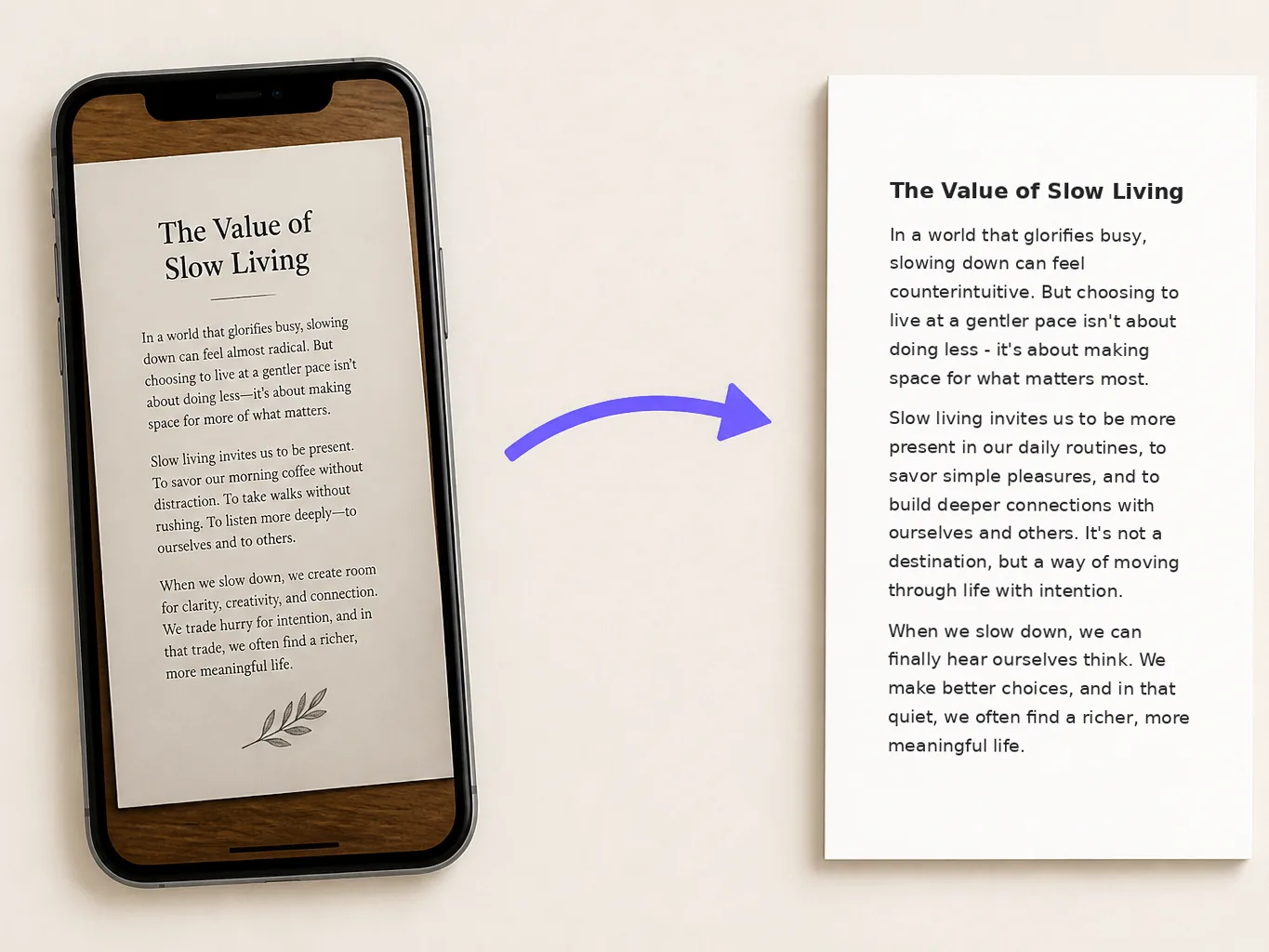
The Word download is not a screenshot of your page wrapped in a document. It carries the recognized words as plain, selectable text, so search, copy and editing all work the way you expect in Microsoft Word, Google Docs or Pages. What it does not keep is the look of the original picture: fonts, colours, images and page layout stay behind, which is why the file works as a clean starting point rather than a replica.
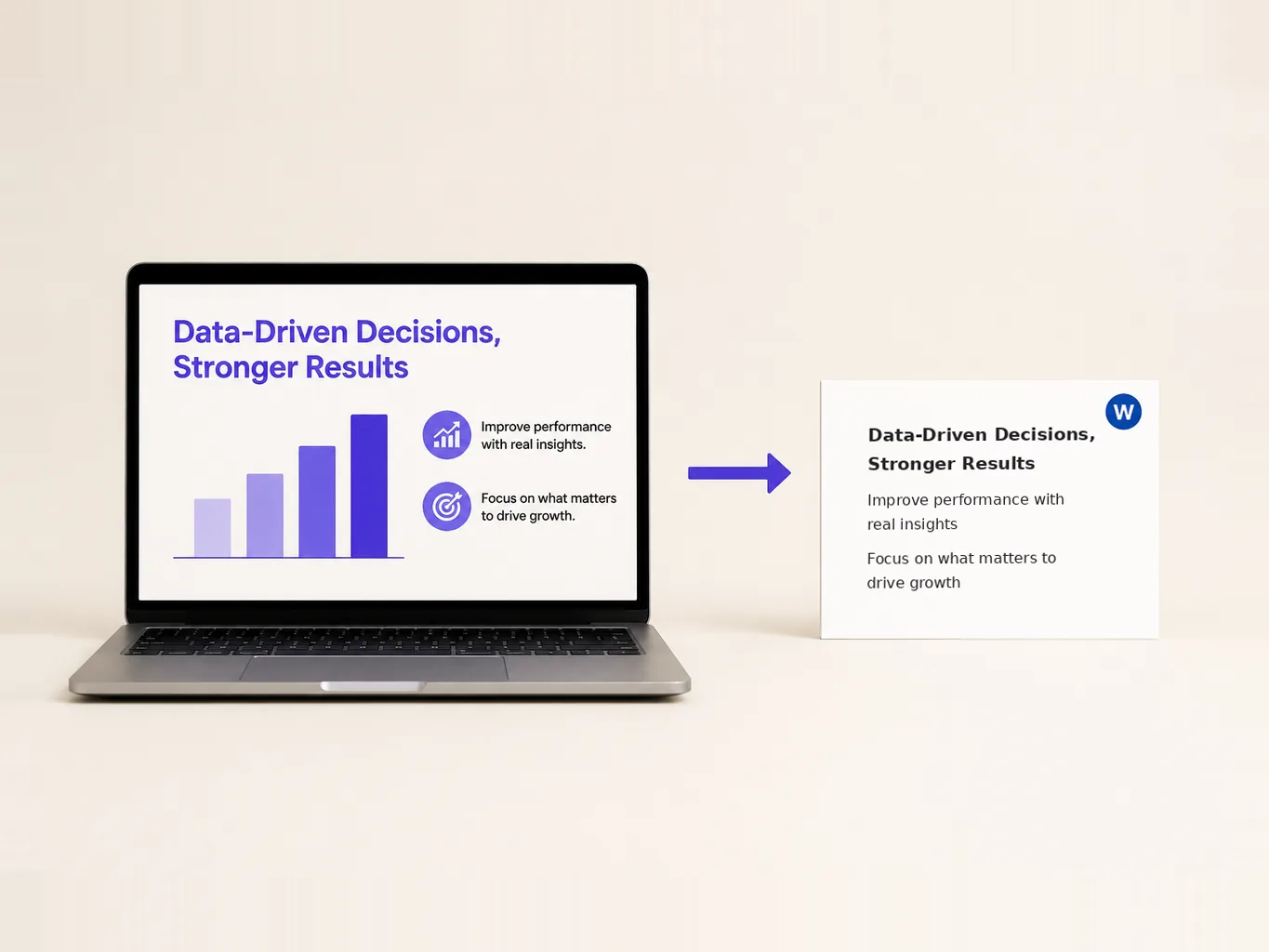
What decides the result is not the file type but how the text looks: sharp print on a plain background converts almost cleanly, while cursive handwriting, glare or a blurry photo leaves gaps. When a few characters come out wrong, you fix them in the editable box instead of rescanning the whole page.
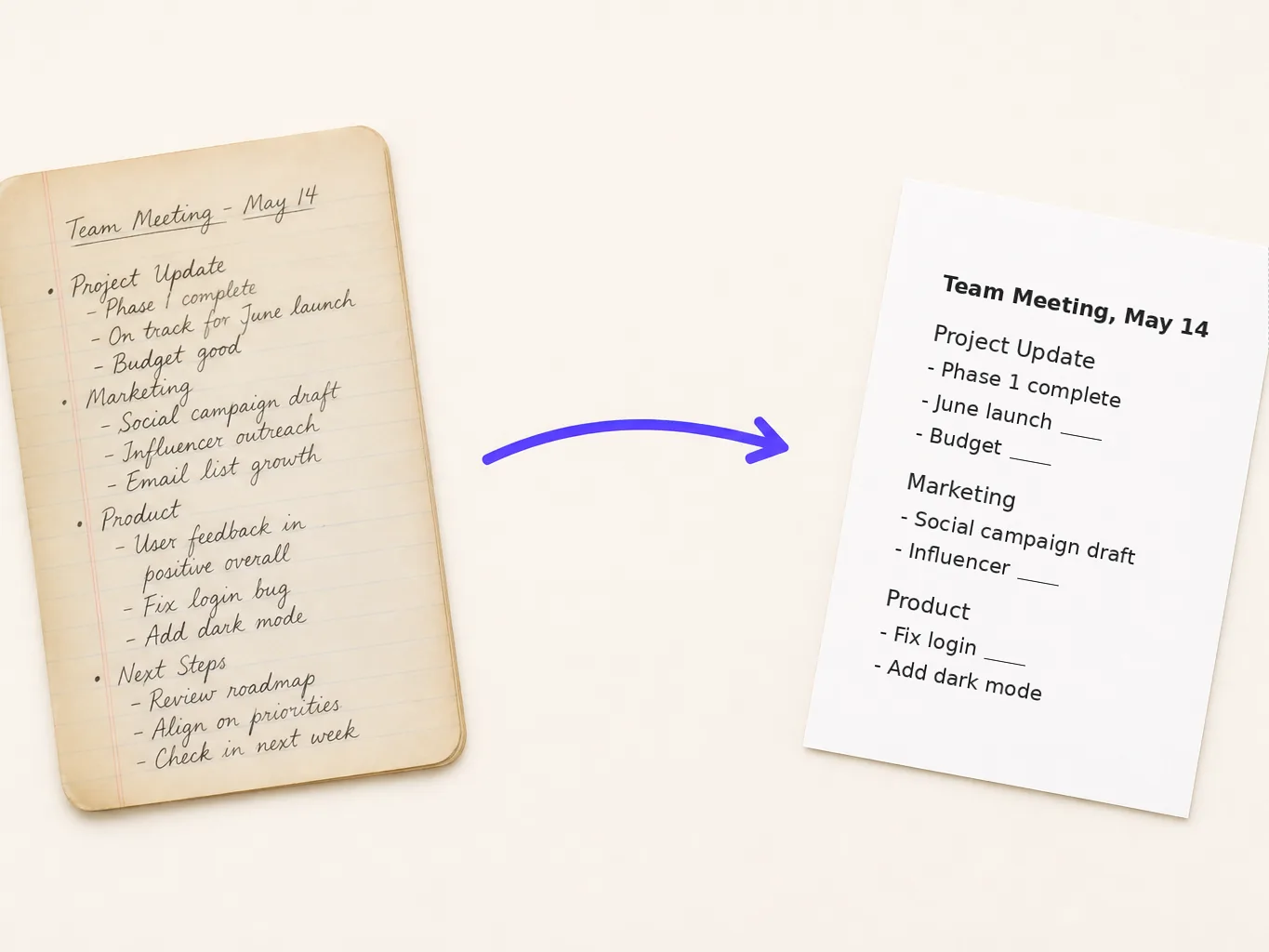
Choose a JPG, PNG or WebP file up to 10 MB. A screenshot saved as PNG works the same way as a photo of a page.
The recognized words appear in an editable text box. Fix a wrong character, delete a stray line, or correct a name before you export. Nothing is locked at this stage.
Click the download button and the current version of the text is saved as a Word file. Open it in Microsoft Word, Google Docs or Pages and continue formatting there.
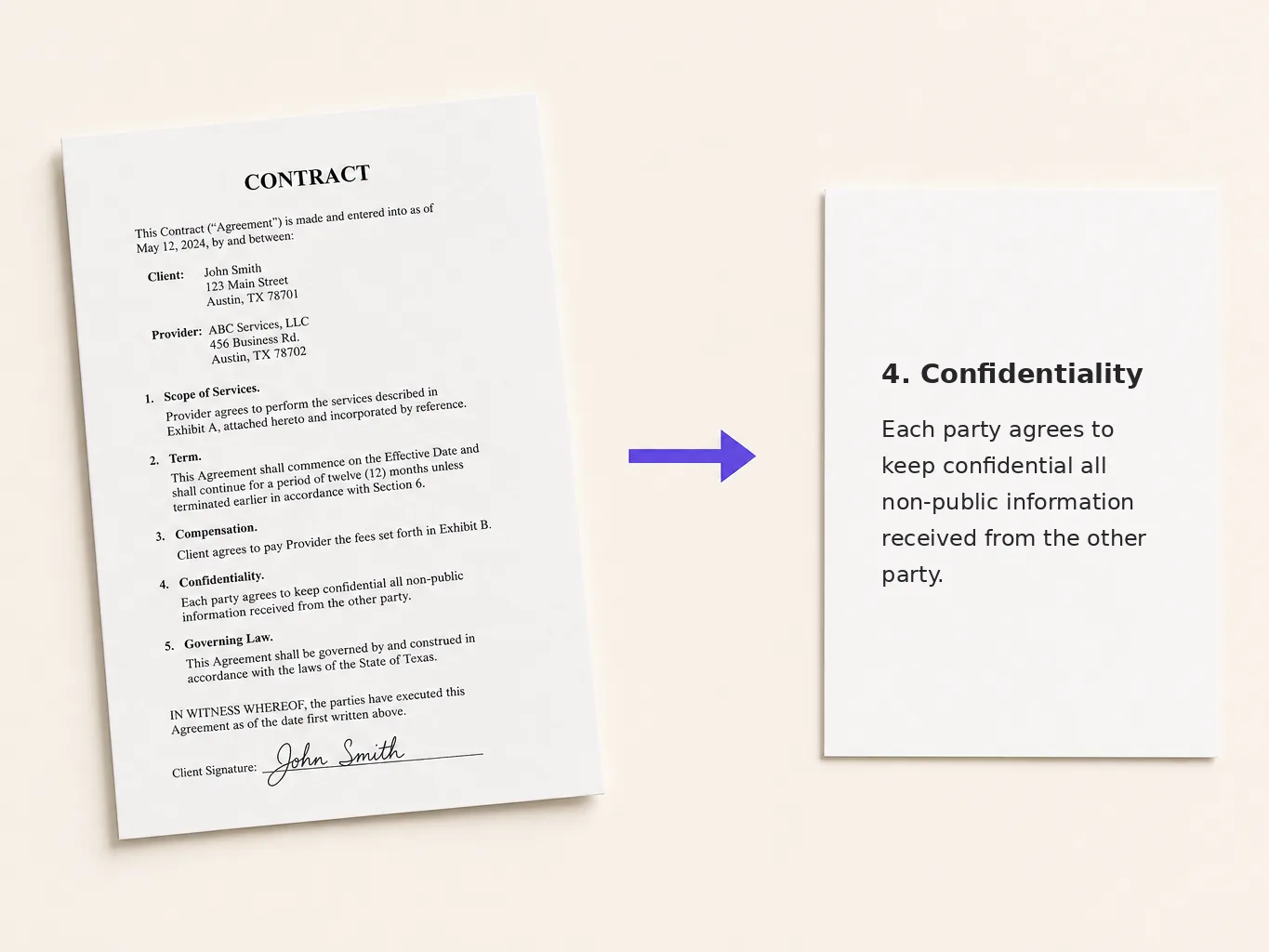
Legal and admin teams often receive a contract as a scanned image and need to quote a clause in a new draft. Convert the page, correct the clause in the text box, and download it as a Word file to build the draft around. Read the clause numbers again after downloading, since layout is not preserved.
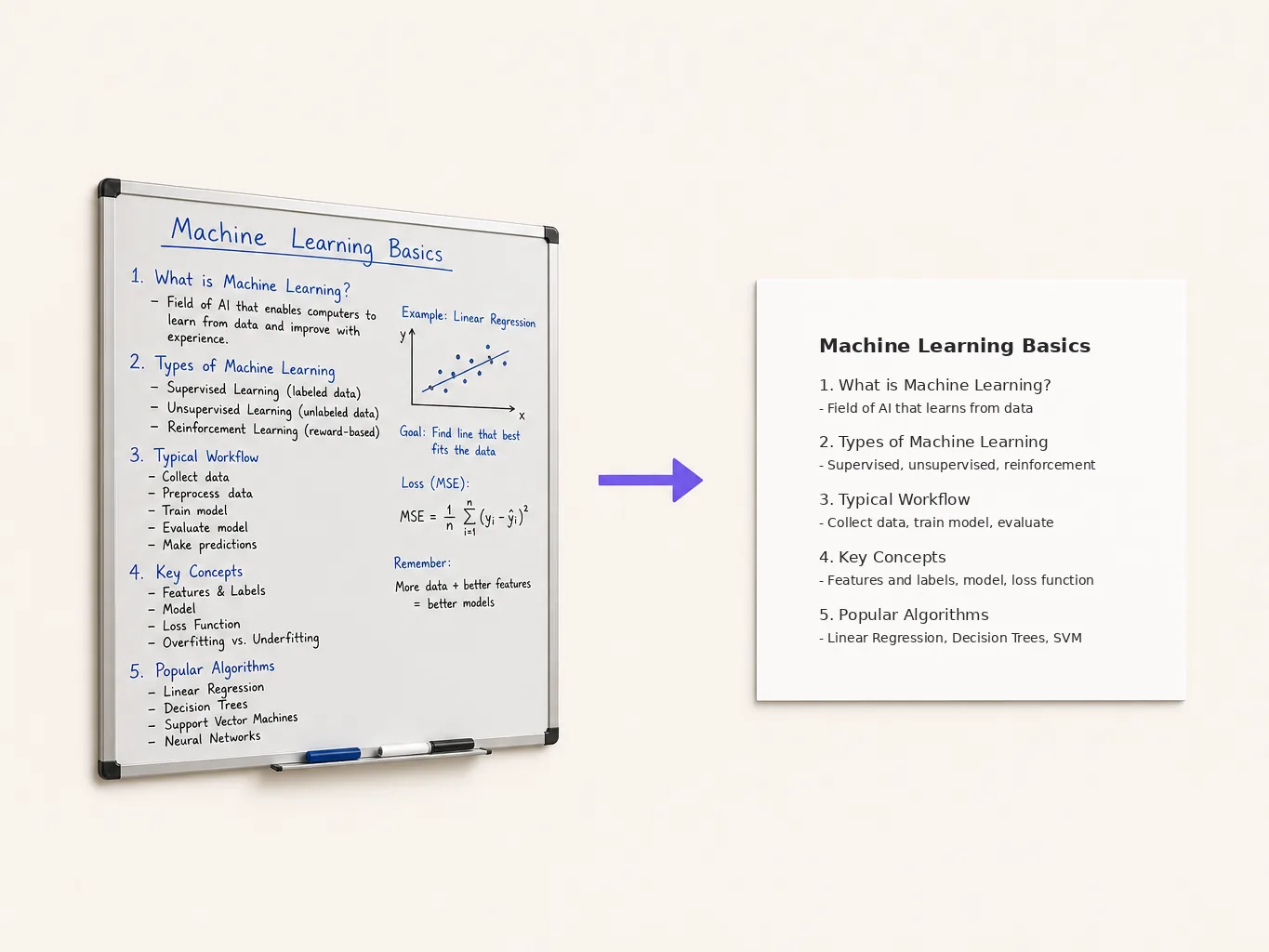
A photo of a whiteboard or a slide deck is hard to search and impossible to quote. Convert it to text, rewrite the points as an outline in the box, and download a Word file for your notes. If the notes you photographed are in another language, our image translator can carry the same text across languages before you start writing.
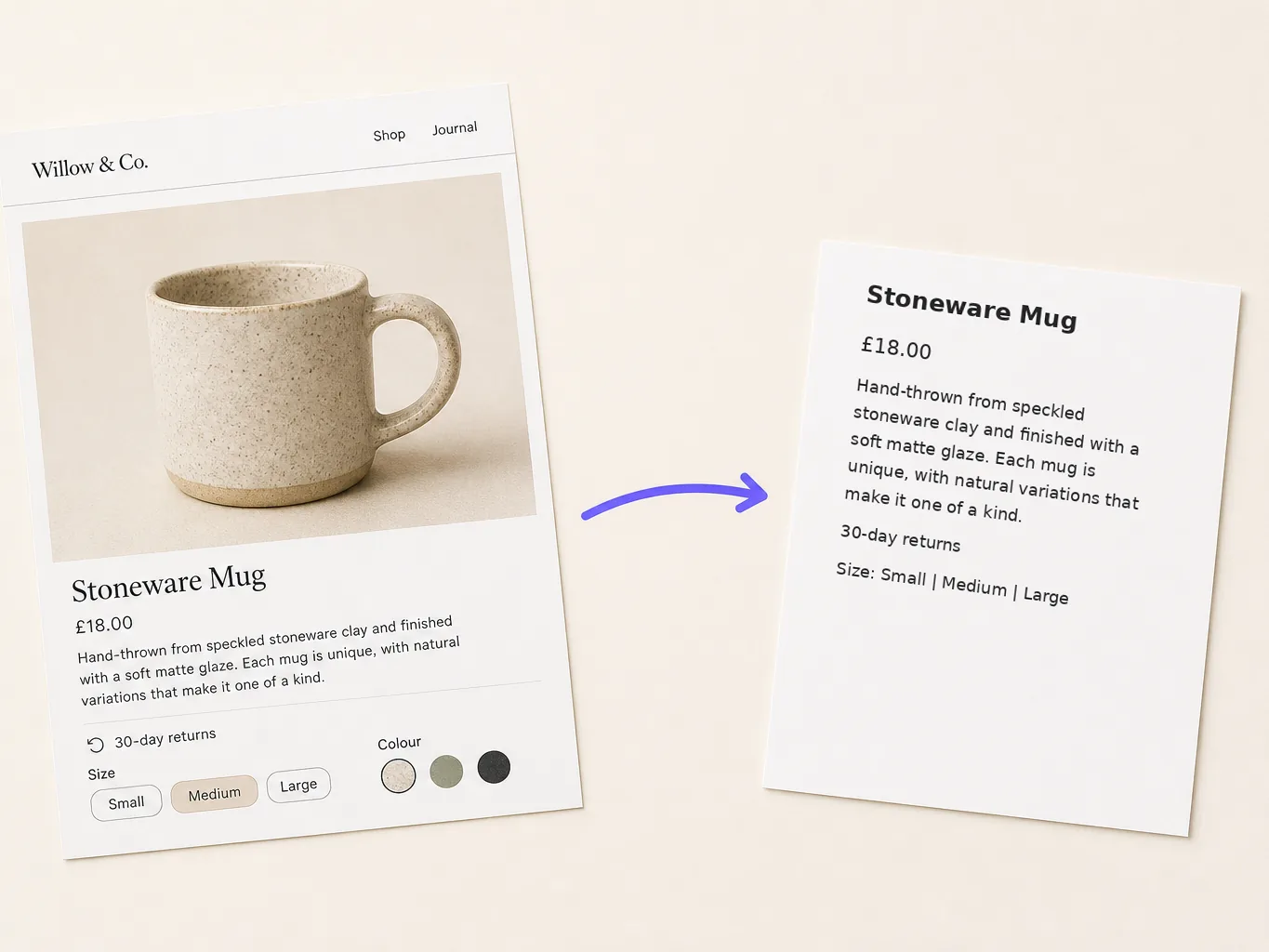
Product screenshots often carry old prices, outdated labels or another person's comment. Convert the screenshot, delete the lines you do not need in the text box, and keep only what belongs in your document. If the extra text sits inside the picture itself, remove text from image cleans it off the image instead.
Expense claims and paper forms usually ask for a handful of fields, not the whole page. Convert the picture, keep only the amount, date and vendor lines in the text box, and download that trimmed version. It is faster than transcribing a full receipt by hand.
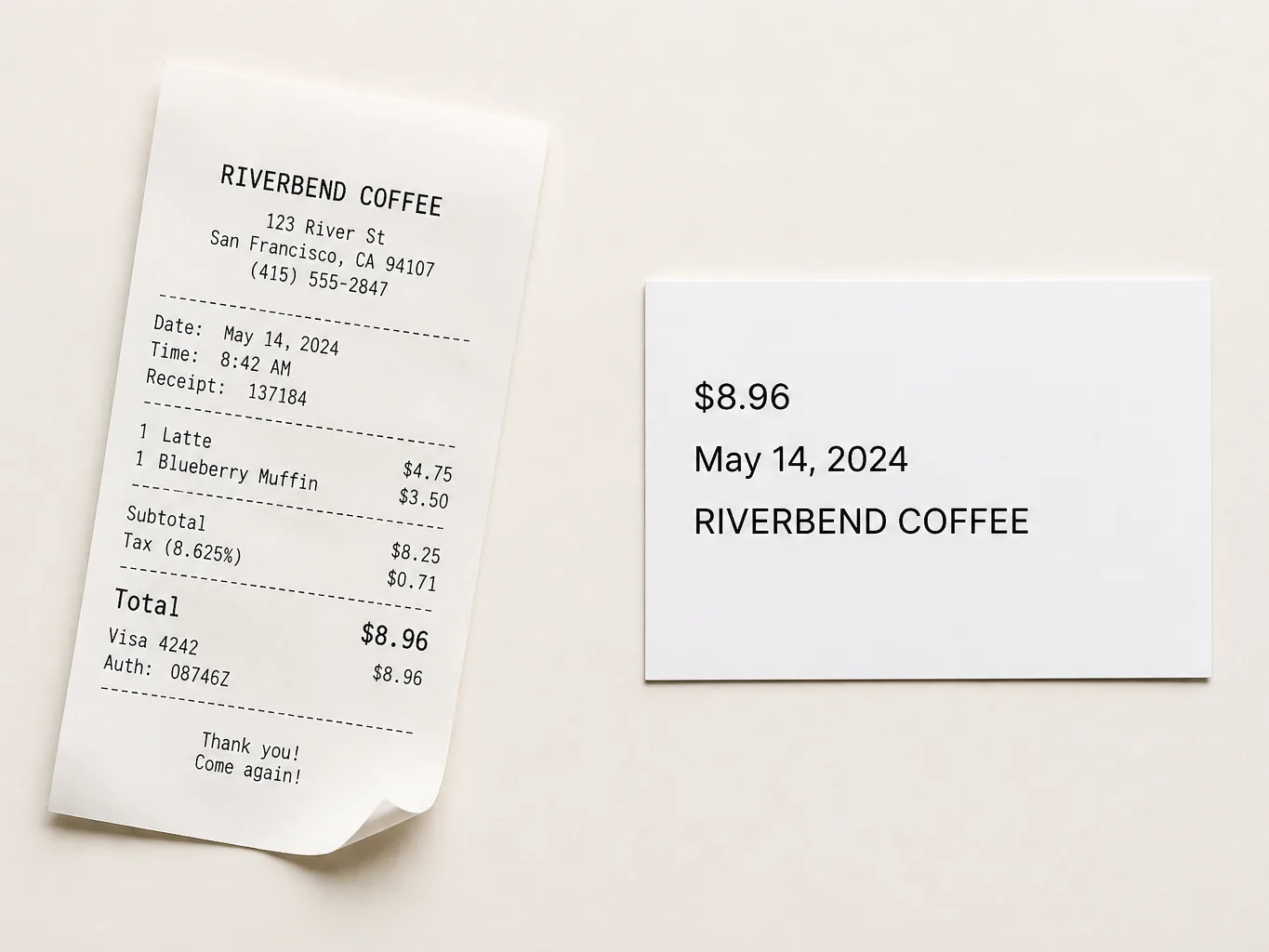
You can fix the result before it becomes a file, which is what separates a JPG to Word conversion from a round trip through a scanner. The editable text box sits next to the original image, so a wrong word is corrected on the spot instead of after the download.
Free credits reset every day and one conversion costs one, so an occasional page or screenshot costs nothing. The limit only becomes relevant when image conversion turns into a daily habit.
Nothing to install and nothing to update. Open the page on a laptop, a tablet or a phone, and the same upload, edit and download flow is there.
The supported formats are listed upfront: JPG, PNG and WebP, up to 10 MB per image. You can check whether your file fits before uploading, instead of guessing from a vague "all common formats".
Pictext keeps to a small set of tools, all of them about text inside images. The interface stays short enough to use without a tutorial because nothing else competes for space in it.
The interface works in eight languages, and text inside images is rarely in one language only. When the same page has to reach another market, the built-in image translation handles the next step.